AI branding without the slop: how I art-direct AI images so they look like your brand
AI images look generic when nobody directs the tool. I fix that with a brief, a real reference, an approved direction, real photos and a banned list.
I make logos, brand images, posters and social graphics with AI image tools, and a person directs every piece. Each design starts from a written brief and a reference, uses real photos where the subject is real, and is checked against a list of the clichés that make AI work look generic. If it looks like AI slop, it does not ship.
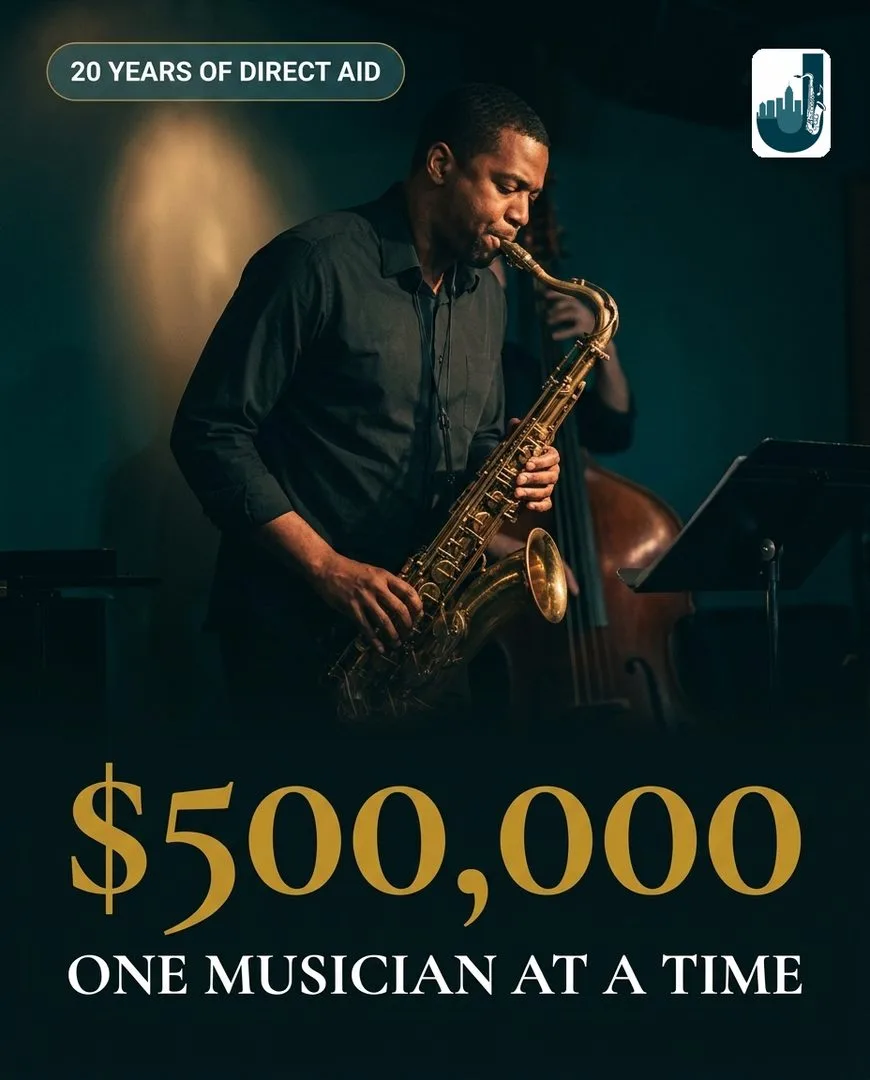
Marks for clients and for our own products.
Hero, product and lookbook images that read as one brand.
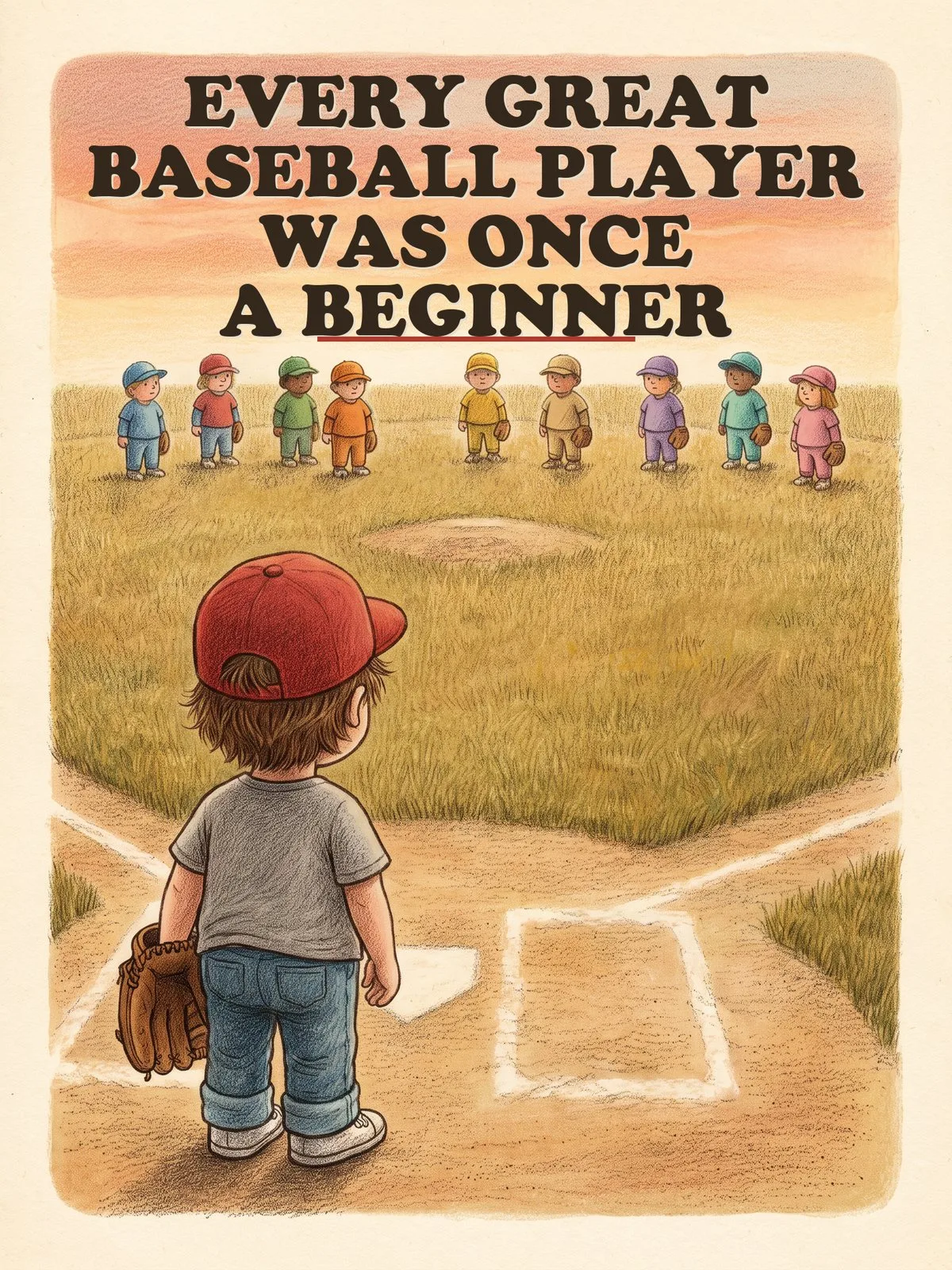
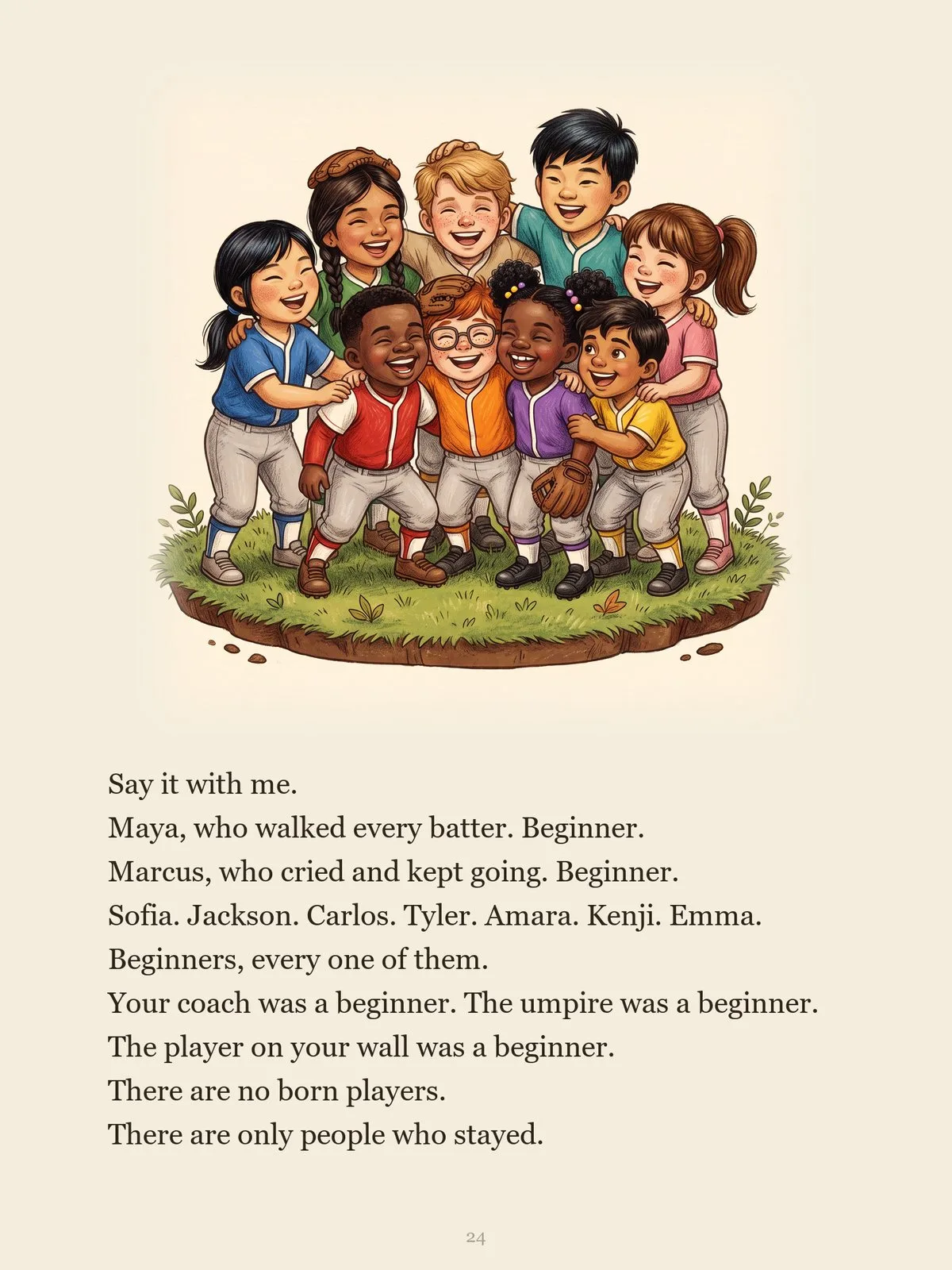
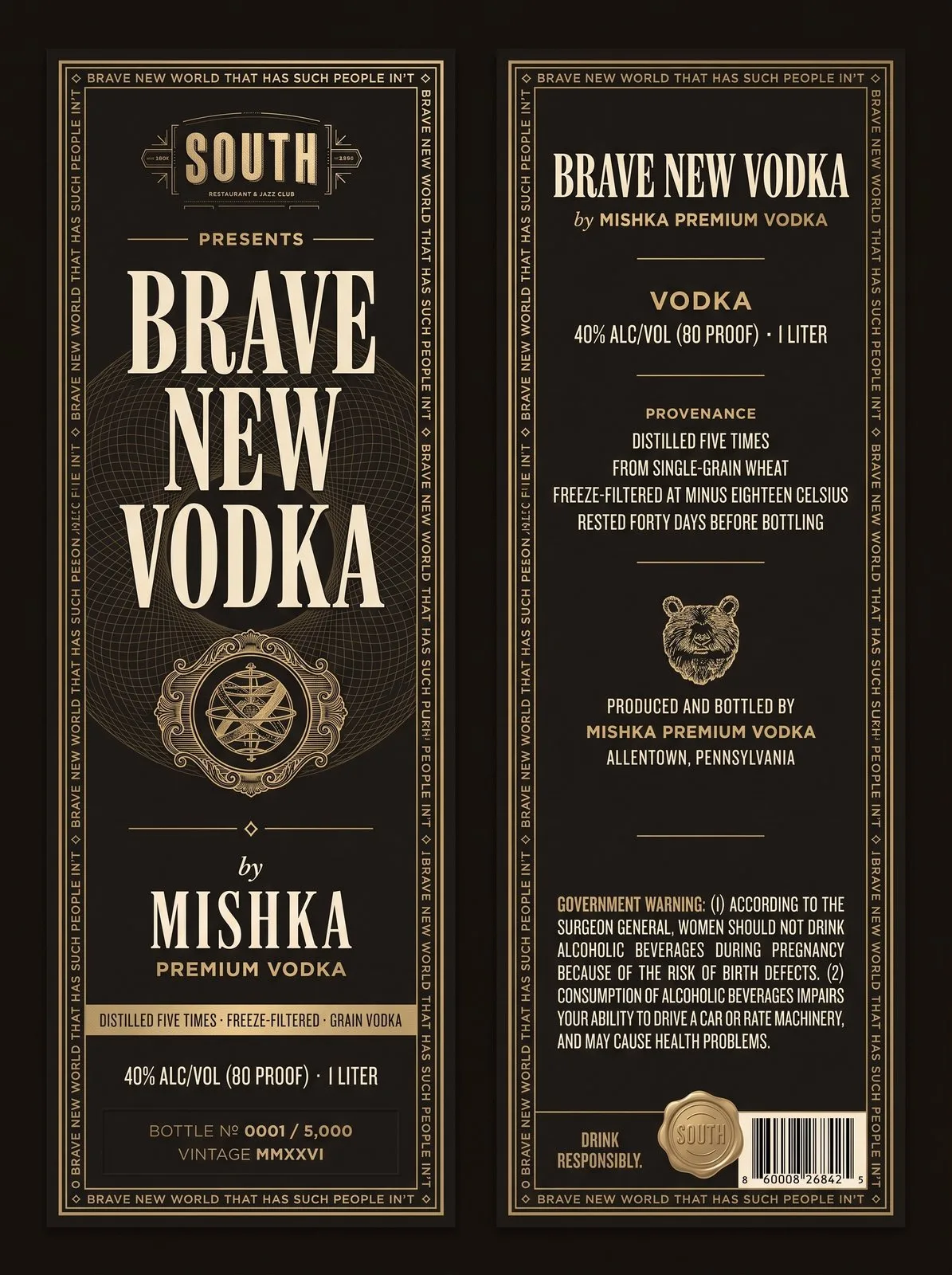
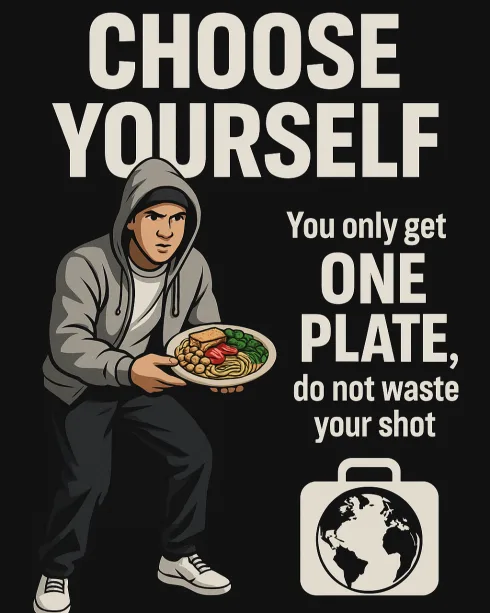
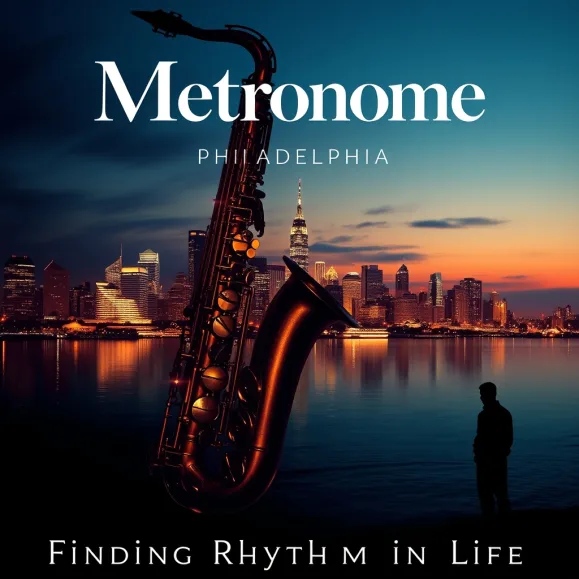
Print and poster work, including festival posters and a picture book.
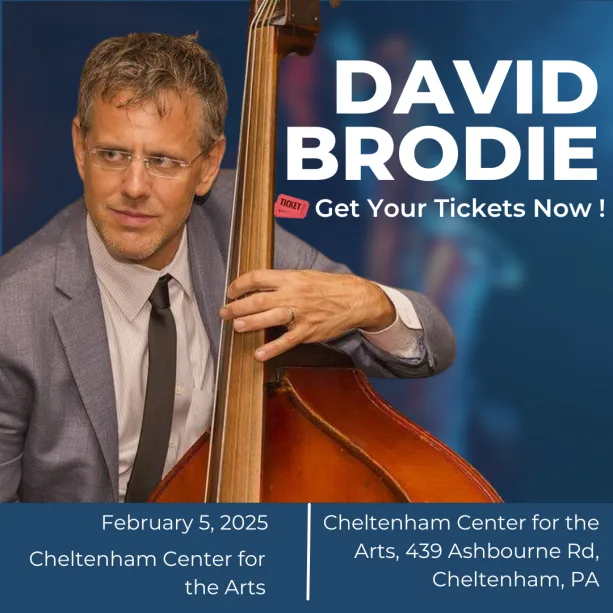
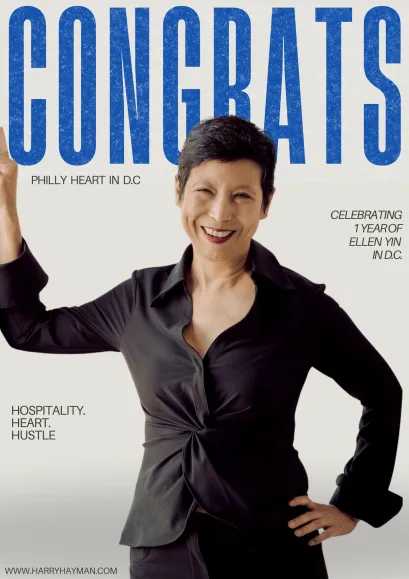
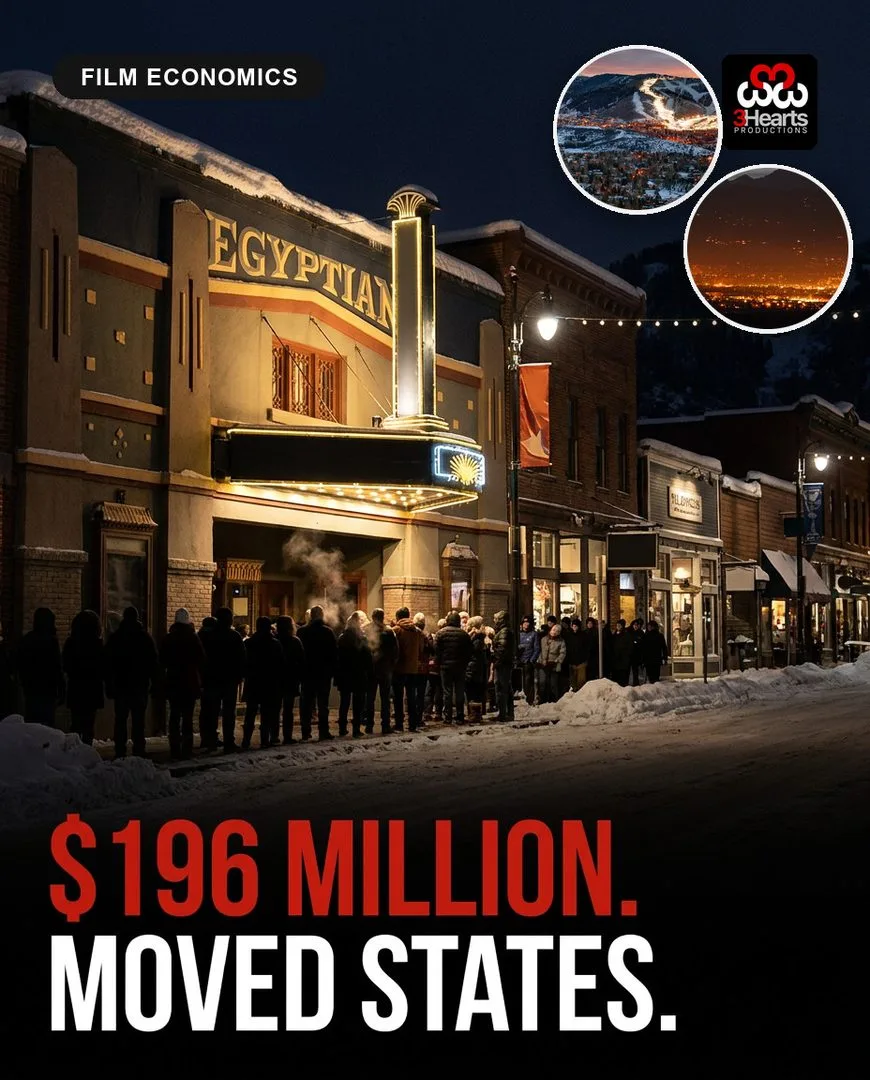
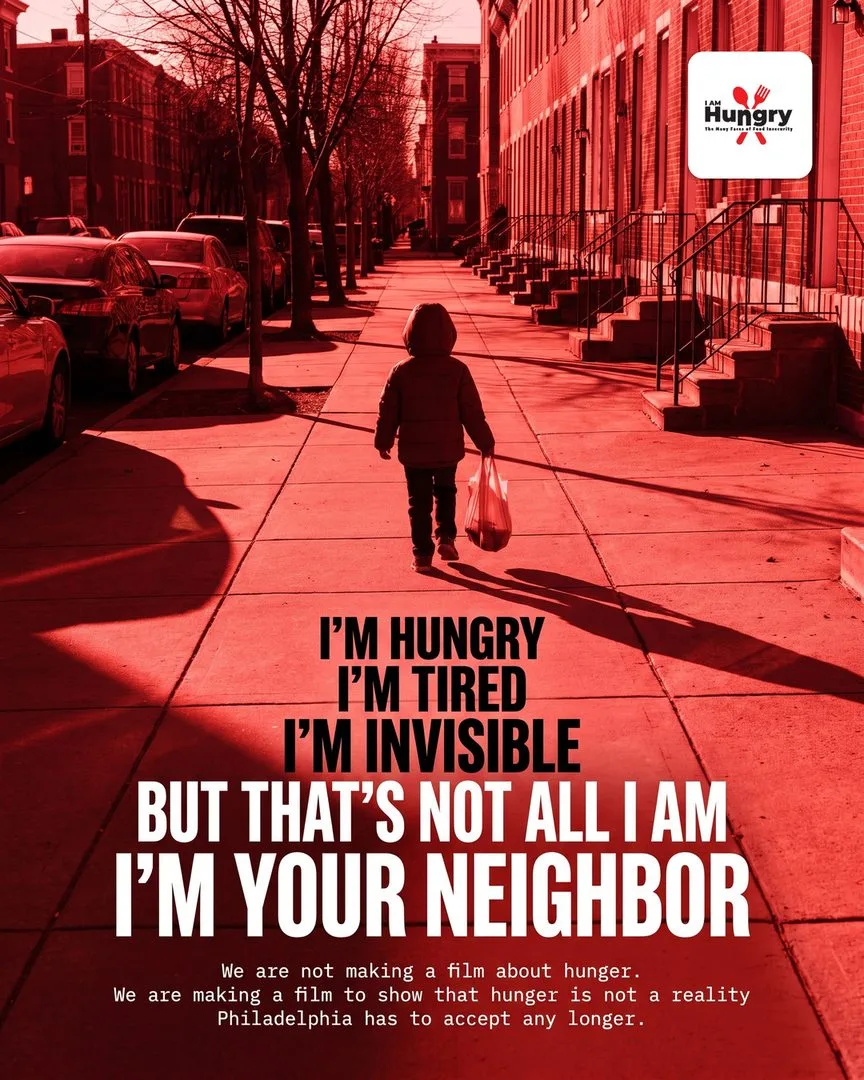
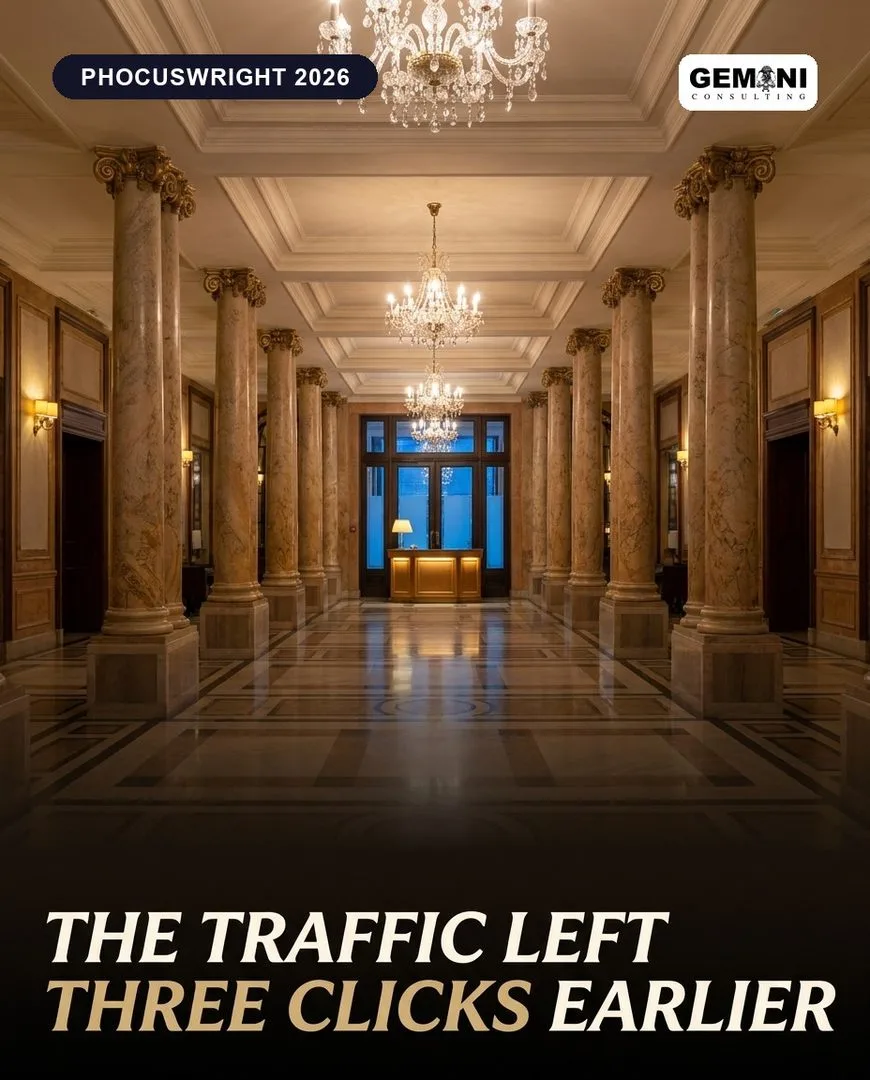
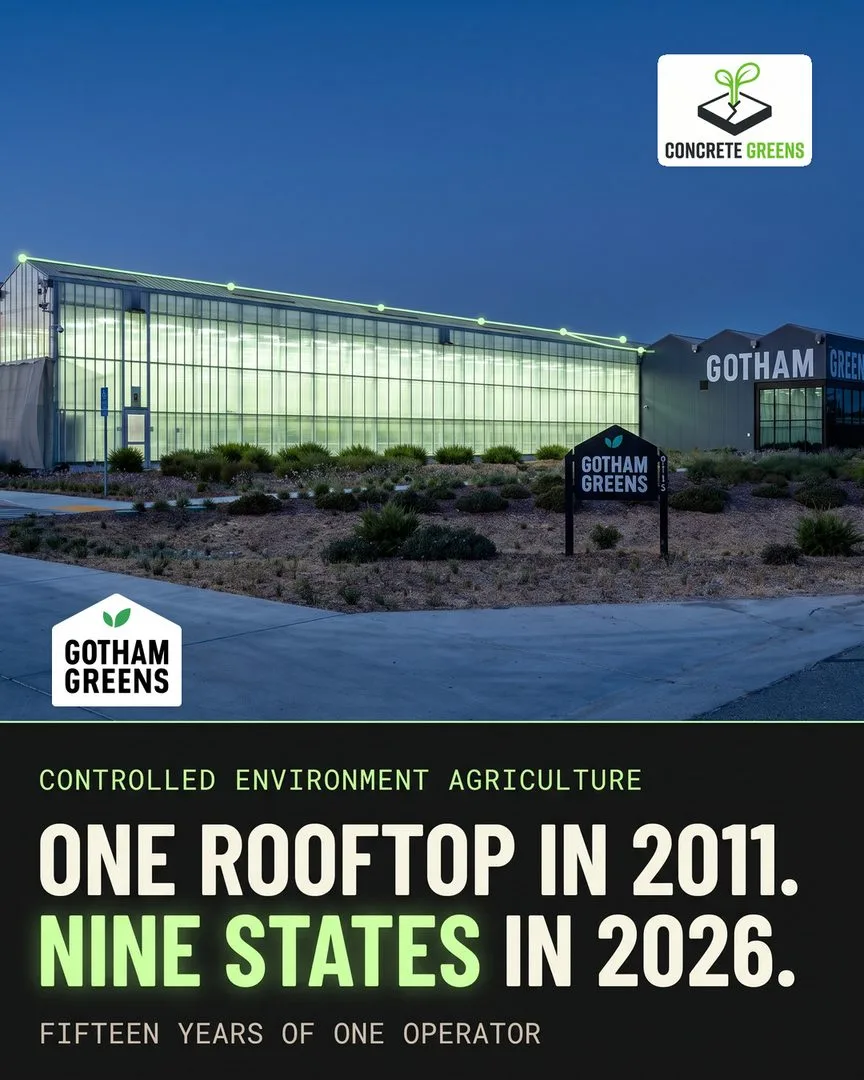
A sample across many brands, each made to that brand’s own rules.
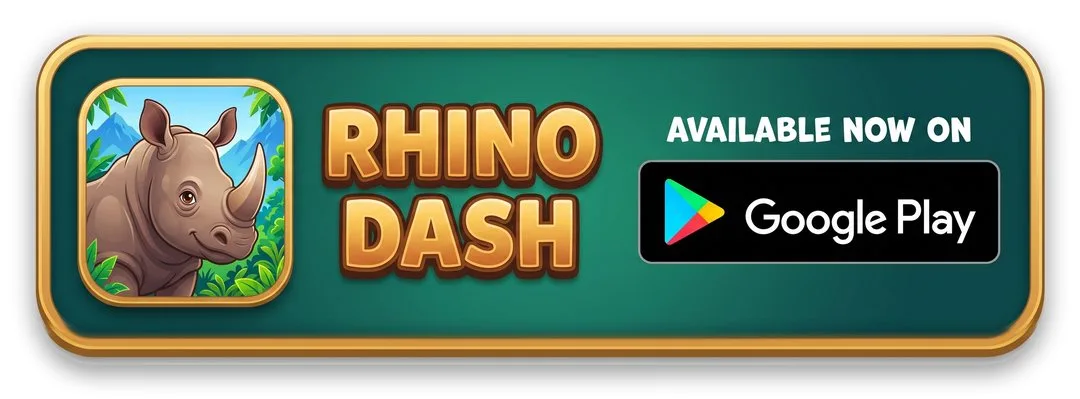
Feature graphics, store looks, share images and in-game art.
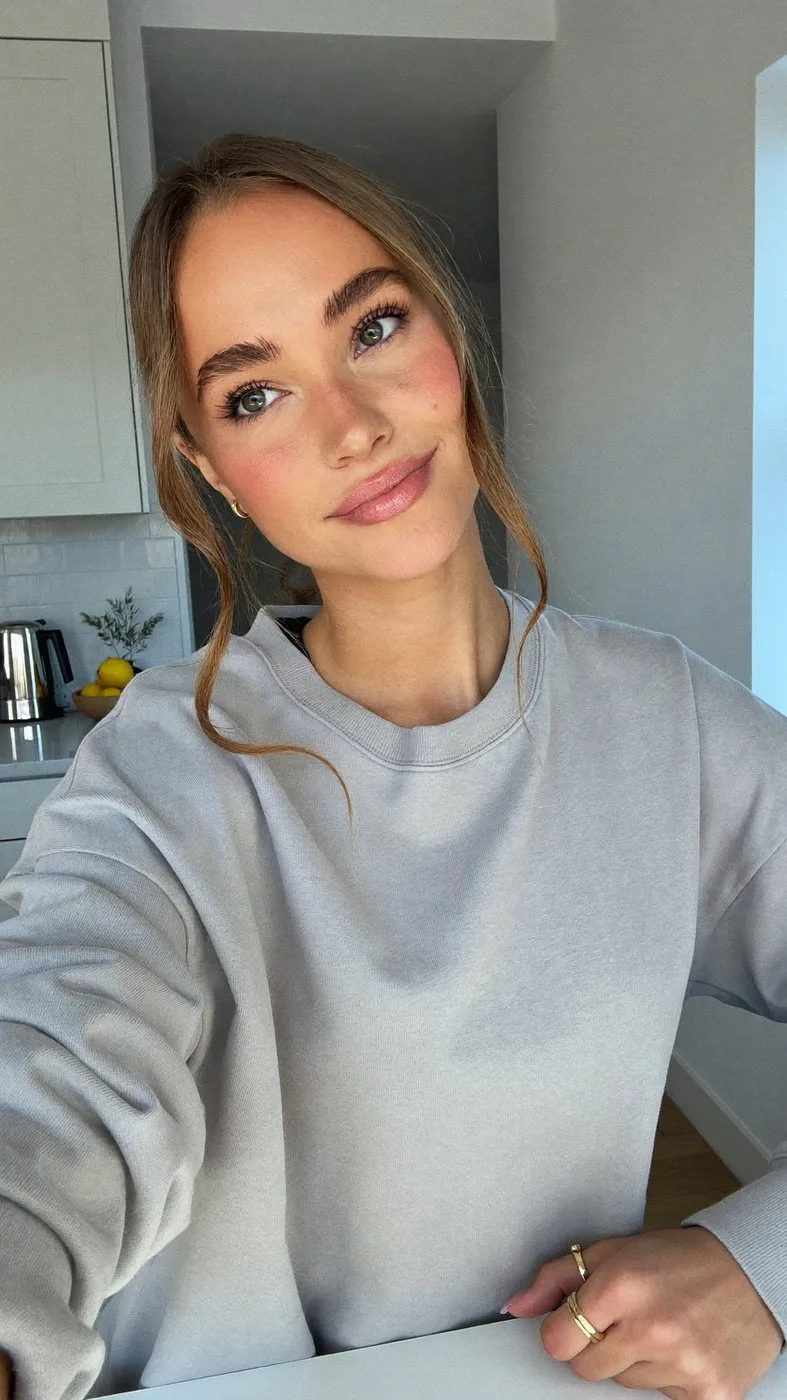
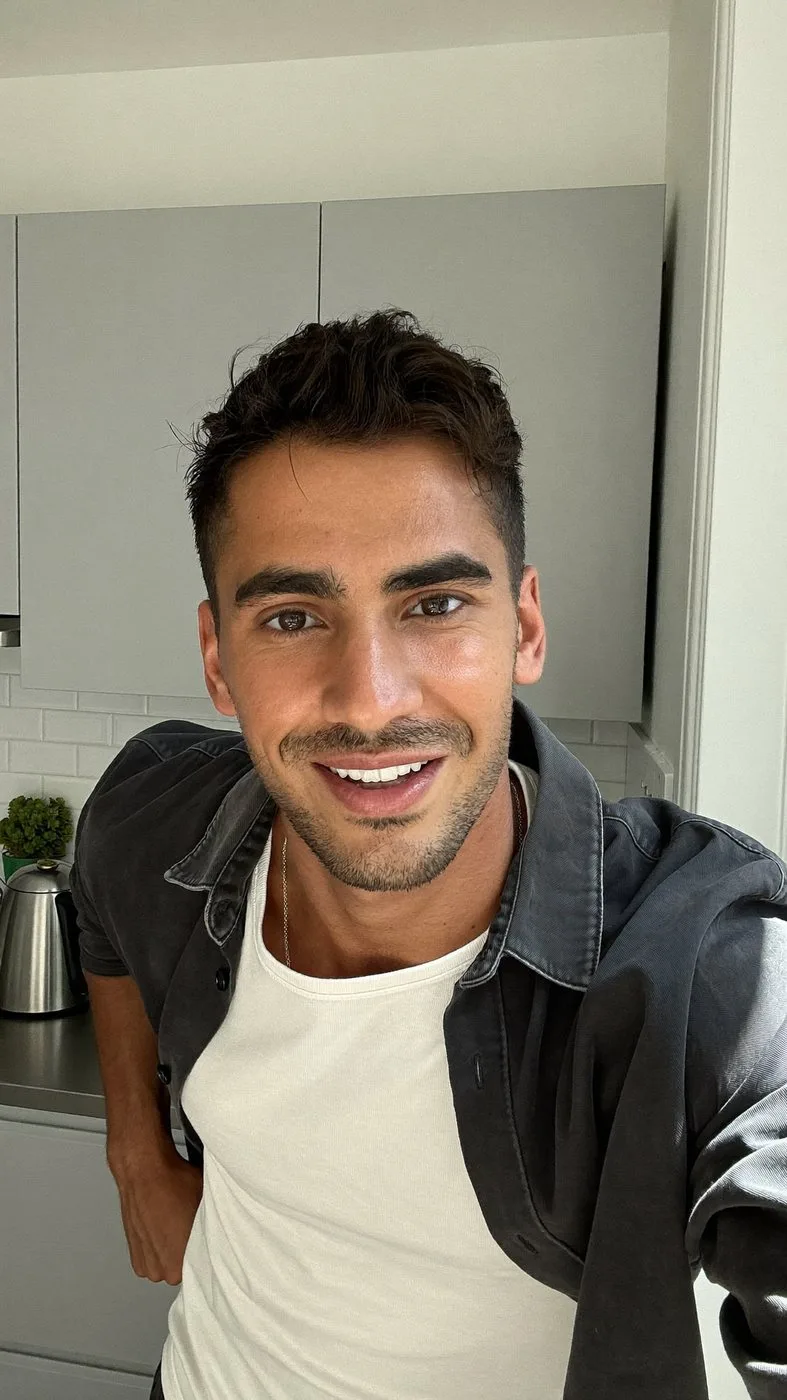
Two fictional creators kept consistent across app ads. They are AI, and we say so wherever they appear.
AI graphic design and branding means using AI image tools to explore and produce visual work quickly, while a person decides what is right for the brand. I do this for small businesses, nonprofits and founders: logos, brand identity systems, posters, social graphics and app store art. Good AI branding looks like your brand and nobody else’s, so anything that still looks generated is rejected before it reaches you.
I am Anuj Paudel, and I work from Kathmandu with clients mostly in the US. I also co-founded Appynox, an AI-first agency in Lalitpur, so some of the examples below are our own products.
Seven kinds of work sit under this service. Each one comes with a real example, from my own work or from Appynox.
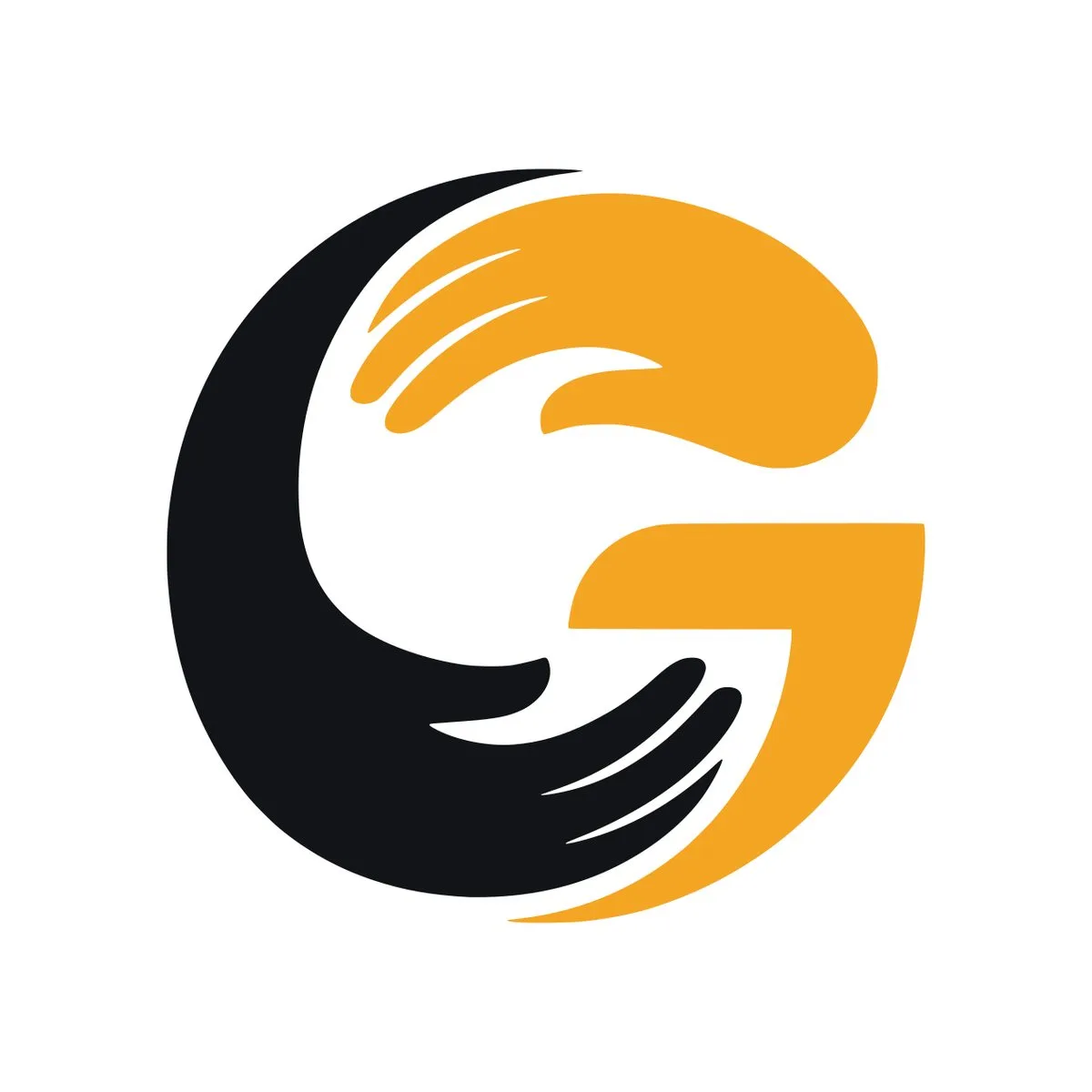
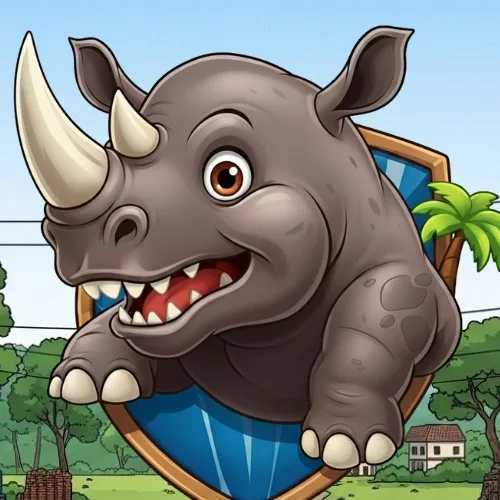
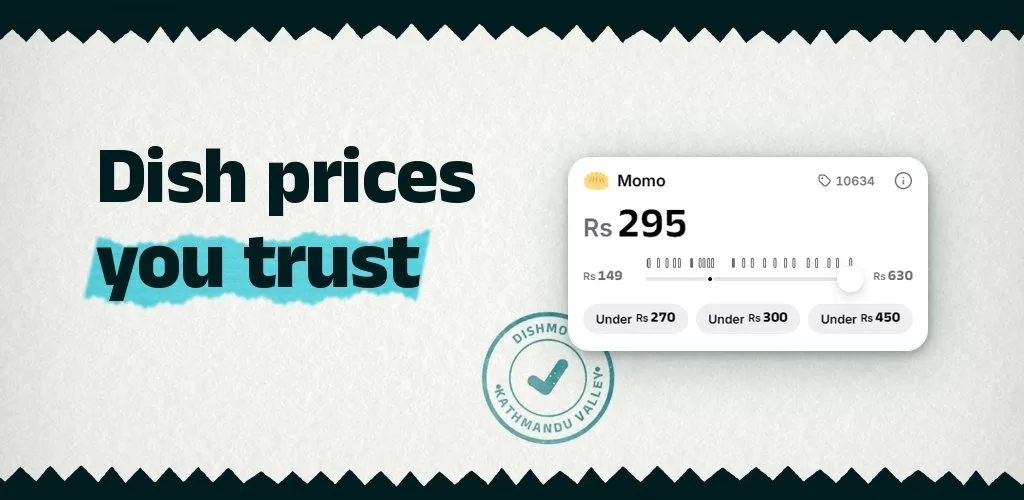
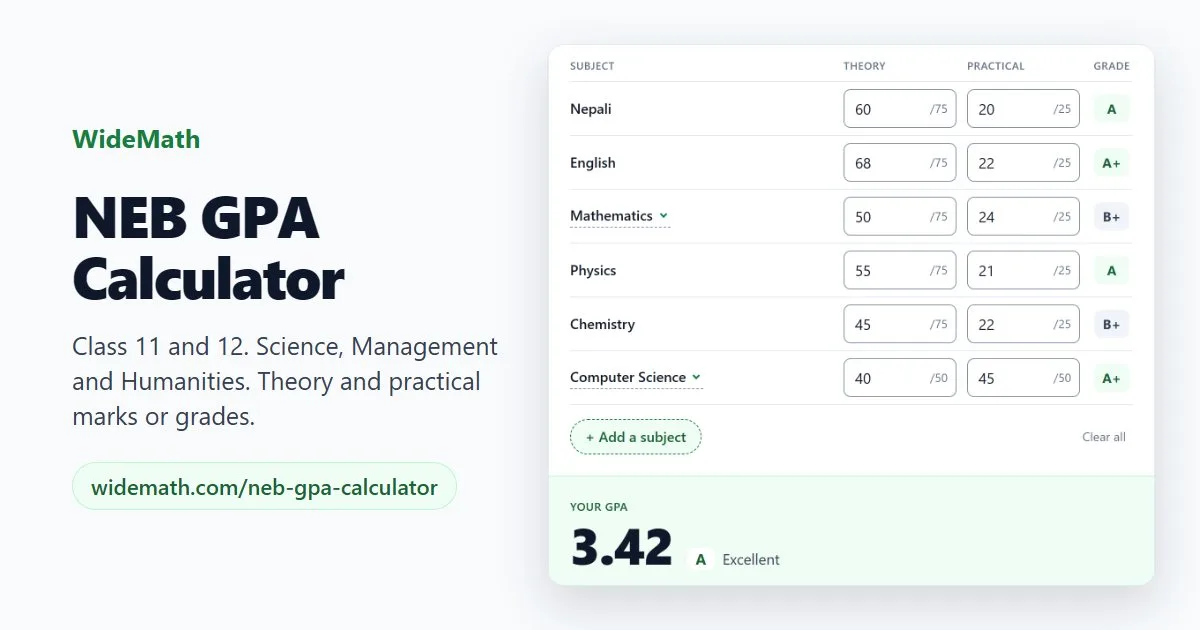
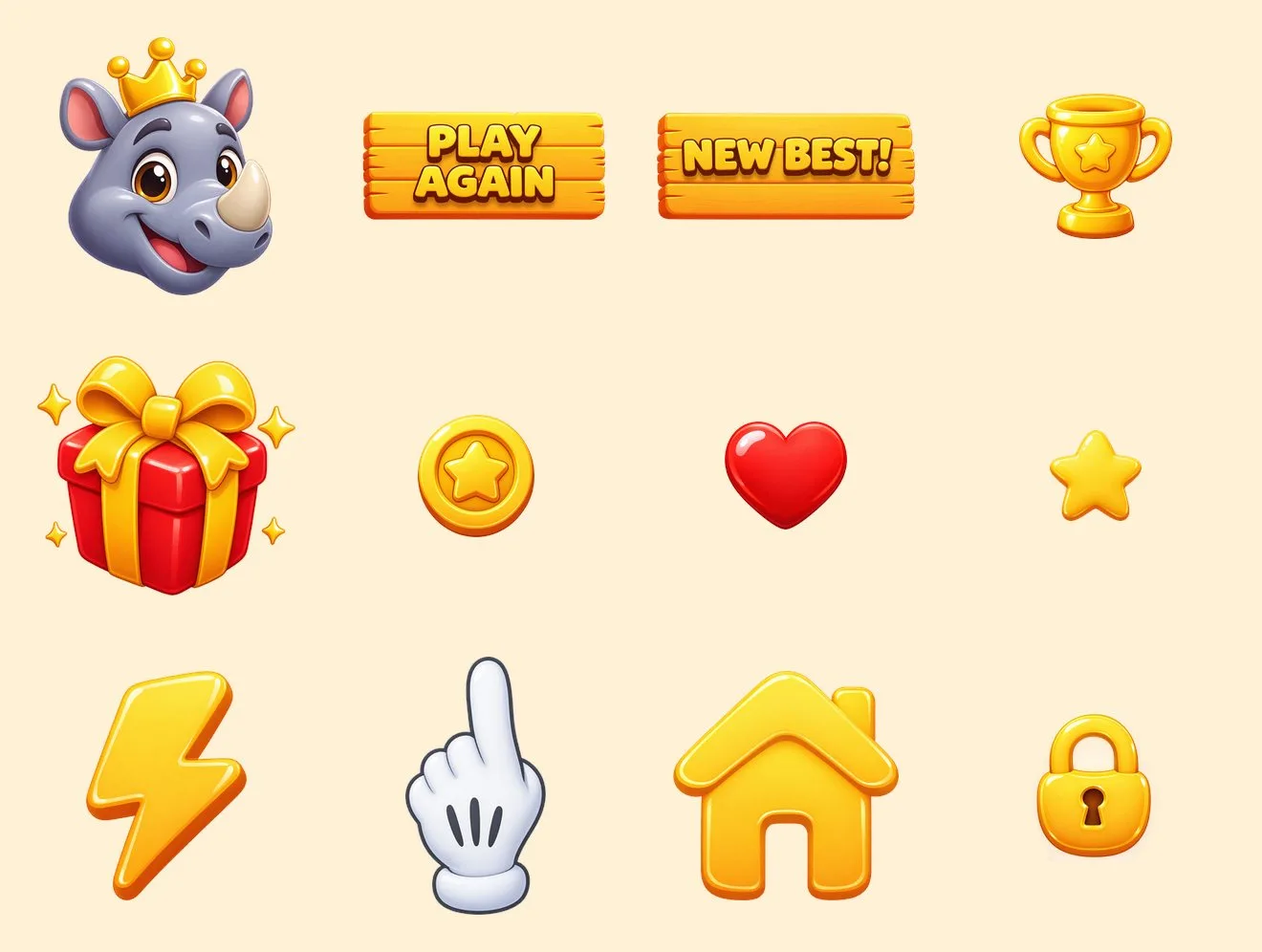
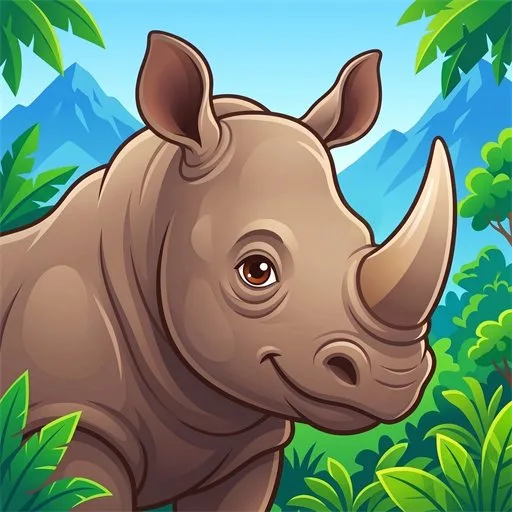
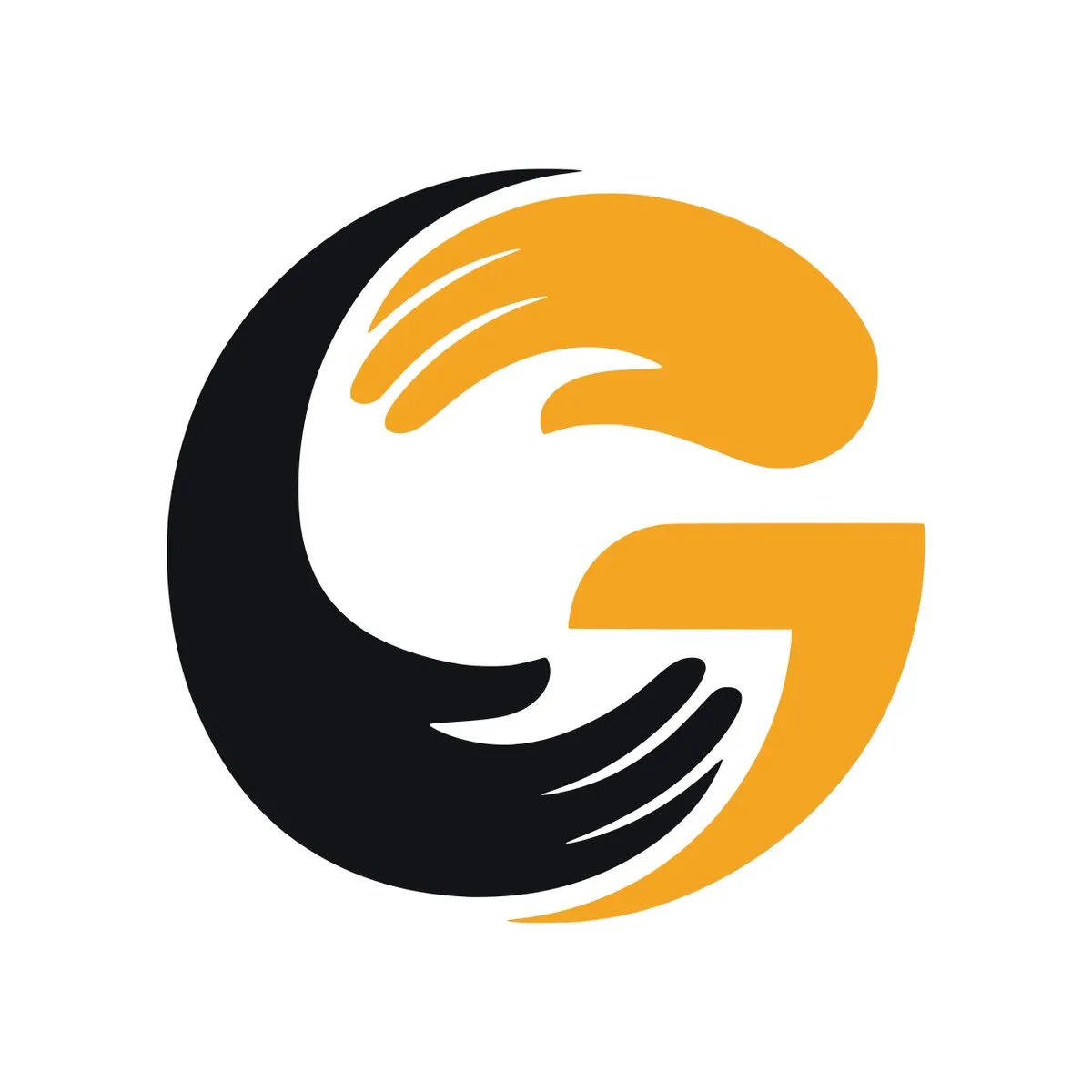
A logo is small and gets used everywhere: on a website, a sign, an invoice, a phone’s home screen. For Gemini Strategic Consultants I made a mark in which a pair of hands closes into a G. At Appynox we have also designed marks and store art for Dishmo, Rhino Dash and WideMath, as well as the Appynox mark itself.
Brand identity design is the step from one good mark to a whole look: colours with roles, typefaces with jobs, rules for the logo, and a rule for what your images may and may not look like. Without it, every new piece is a fresh guess and the brand drifts.
My own previous website ran on a small written system of this kind. It had four typefaces, each with one job. A single idea tied them together: the skyline of Langtang, a mountain valley in Nepal, which returned in the notch of the mark and in the zigzag edges across the page.
If you already have a brand, I work inside your rules. If you do not, I write them with you and then follow them.
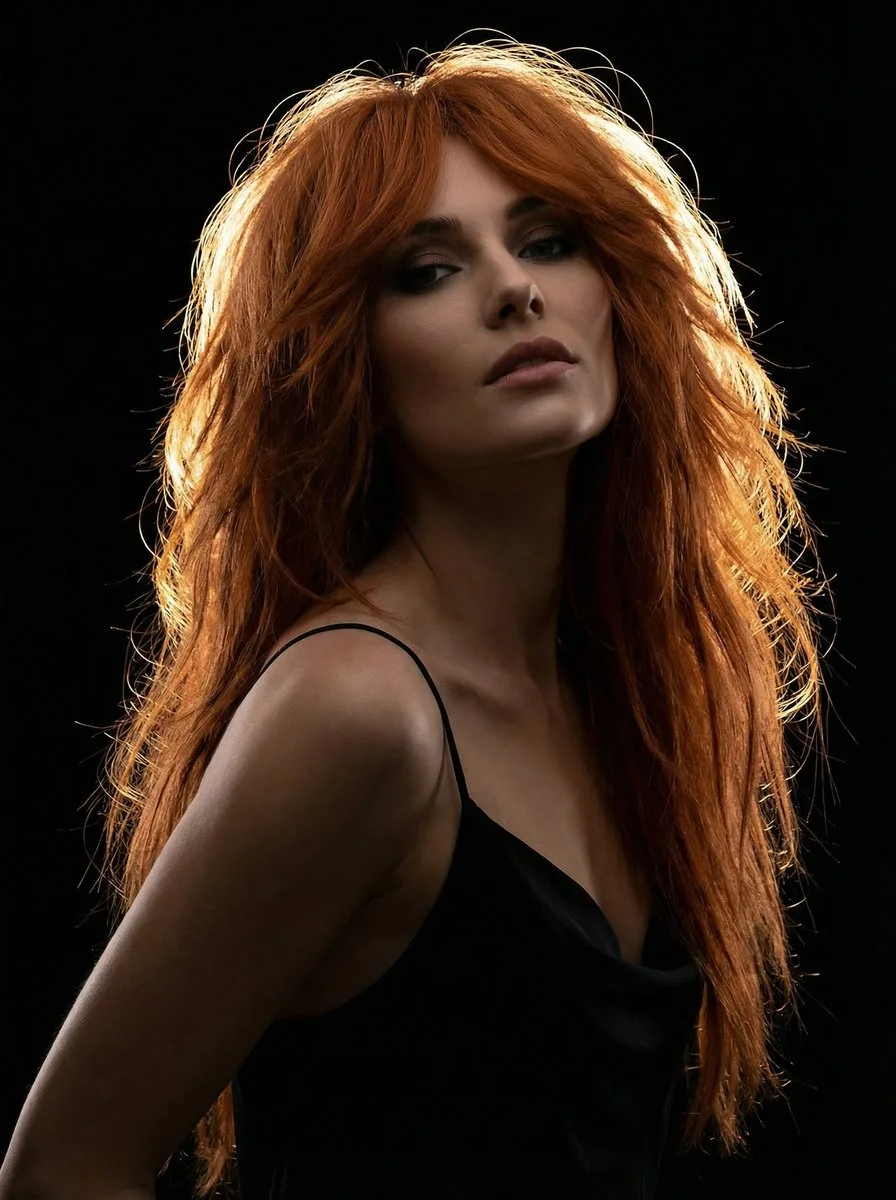
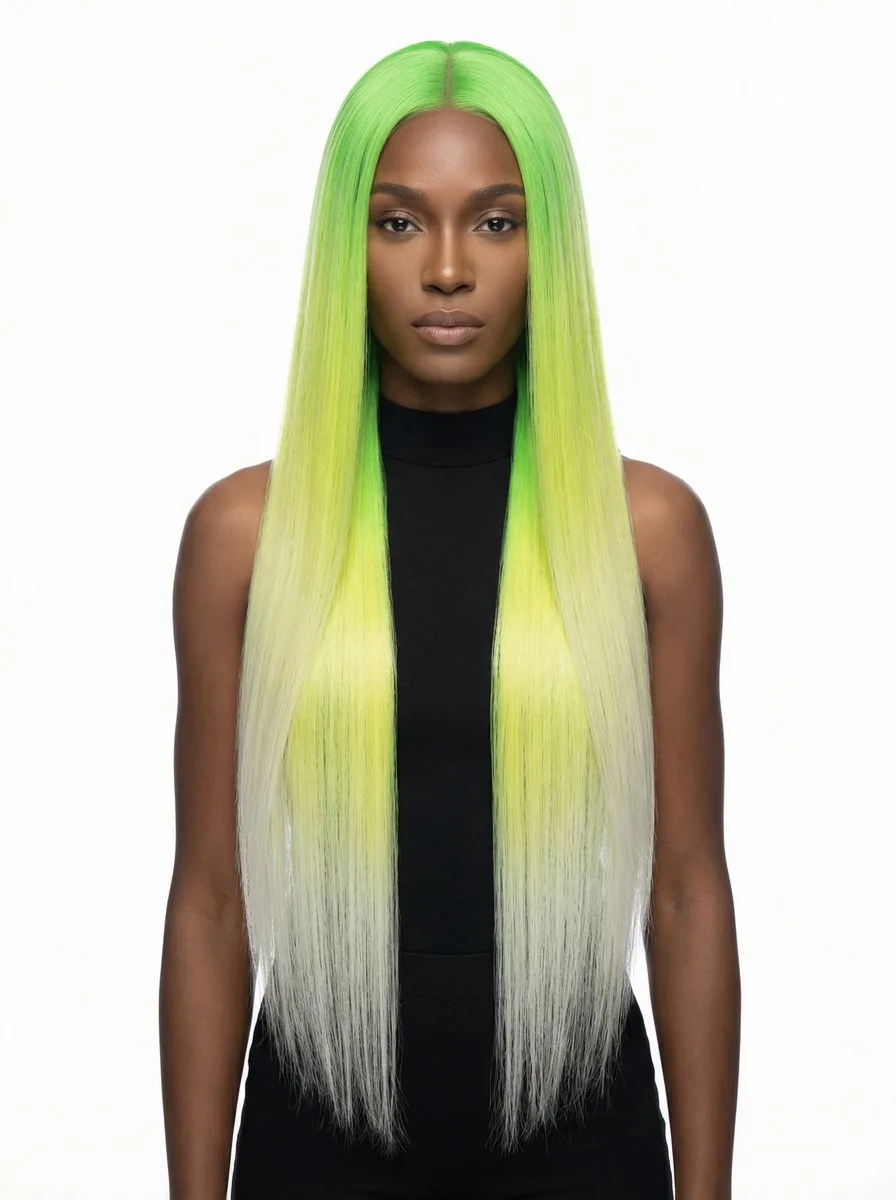
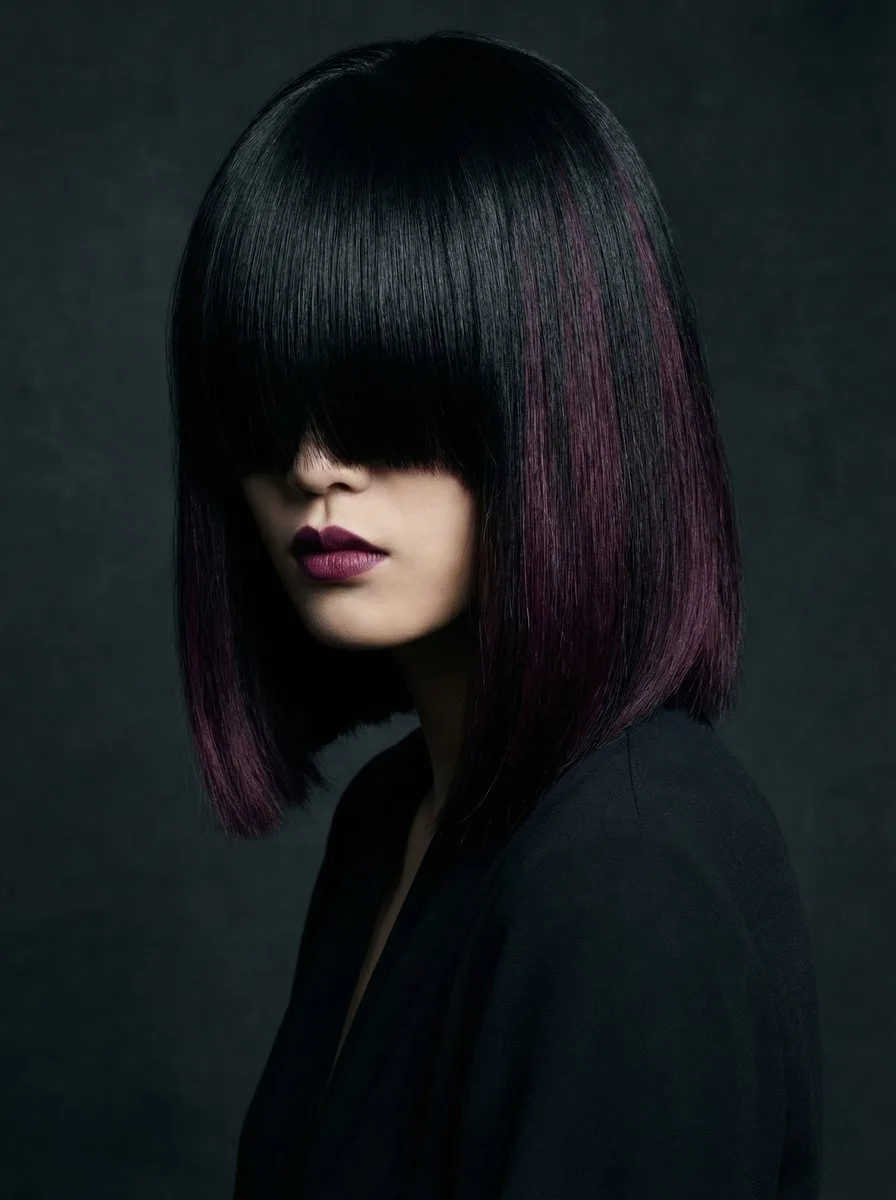
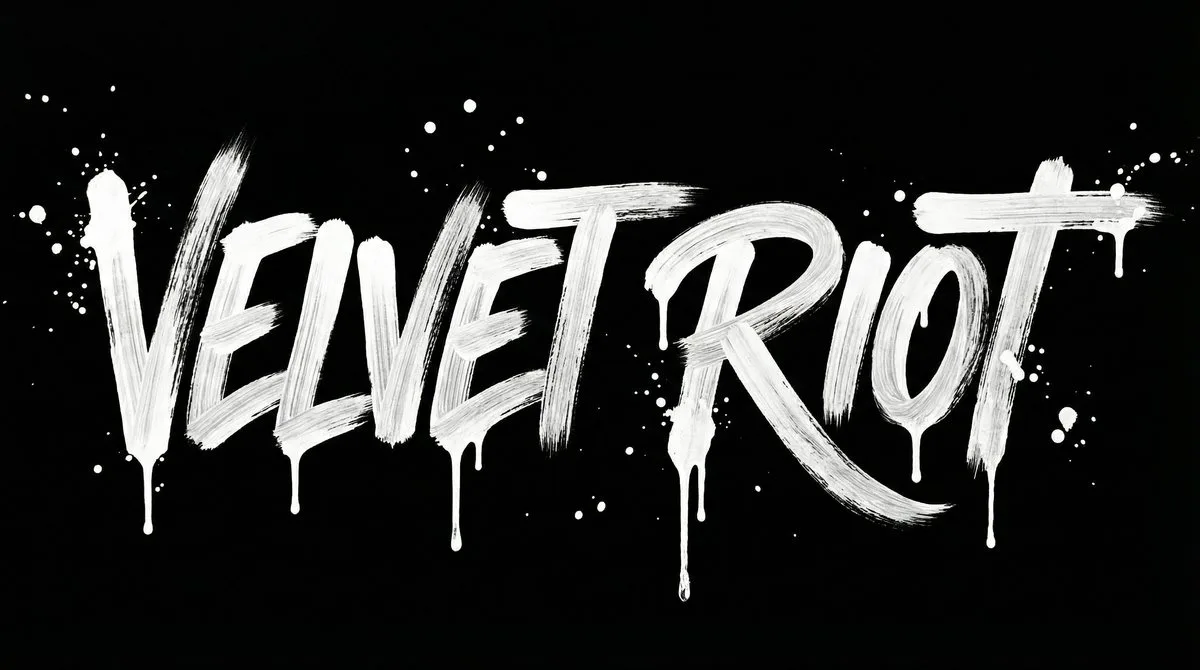
A website or a catalogue feels like one place when the hero shot, the product picture and the lookbook frame look as if they came from one hand. That was the job for The Velvet Riot Wig Co.: a hero image, a lookbook frame and a product shot, with a monogram and a brush-style wordmark to go with them.
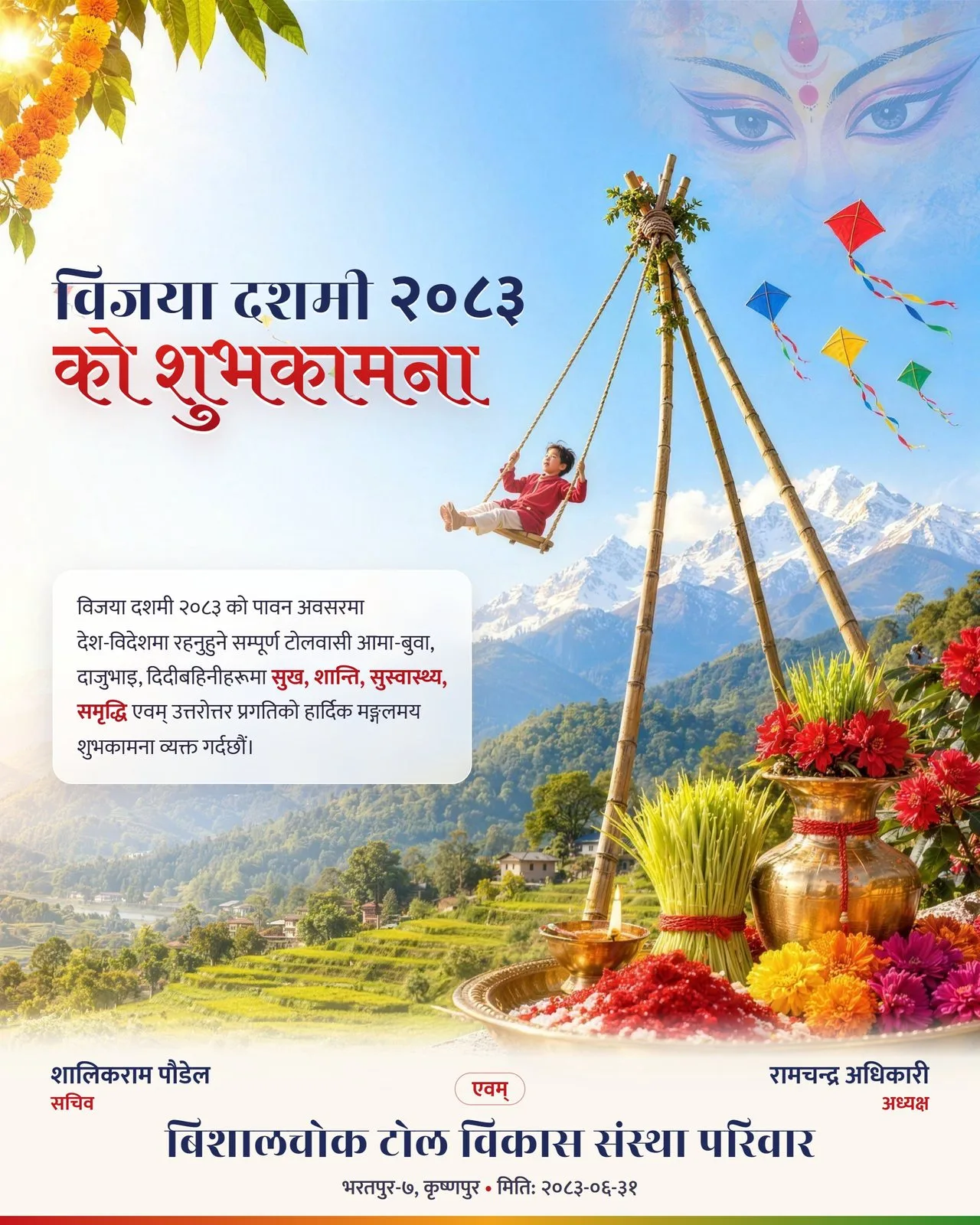
Poster design depends on who is looking. For a neighbourhood committee I designed a greeting poster for Bijaya Dashami 2083, the tenth day of the Dashain festival. The people it was made for know the festival well, so the details had to be right before the style mattered.
Other print work includes covers, labels, a picture book, a Memorial Day illustration and two campaign posters for Appynox. If a piece will be printed, tell me the size and your printer’s requirements at the start, since a wall poster is planned differently from a phone graphic.
Social media graphics design is mostly a volume problem. One poster is a design job, while a steady flow of posts for one brand needs a system that keeps every piece on brand.
I have made social graphics for many brands, and each brand keeps its own banned looks, colours and voice. A separate reviewer that starts fresh checks every post, and a person approves it before it goes out. The rules sit in writing because nobody can carry that many sets of rules from memory. For the whole chain, with research, captions and scheduling, see AI social media automation.
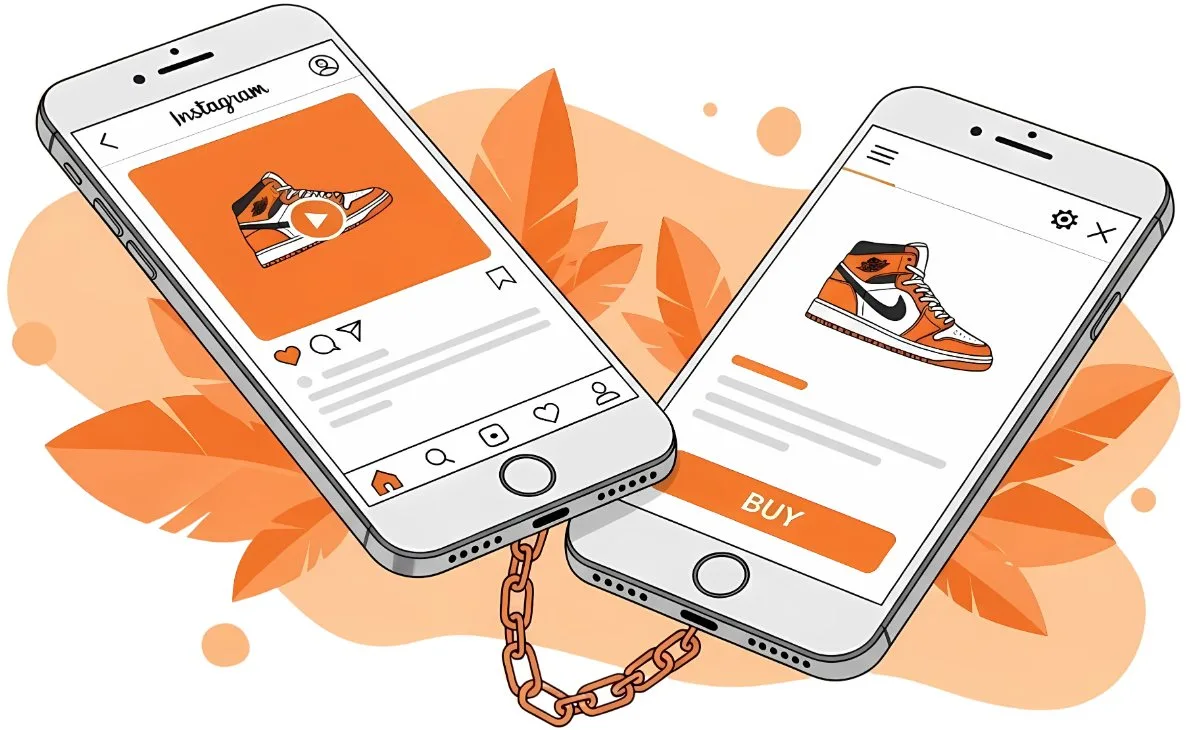
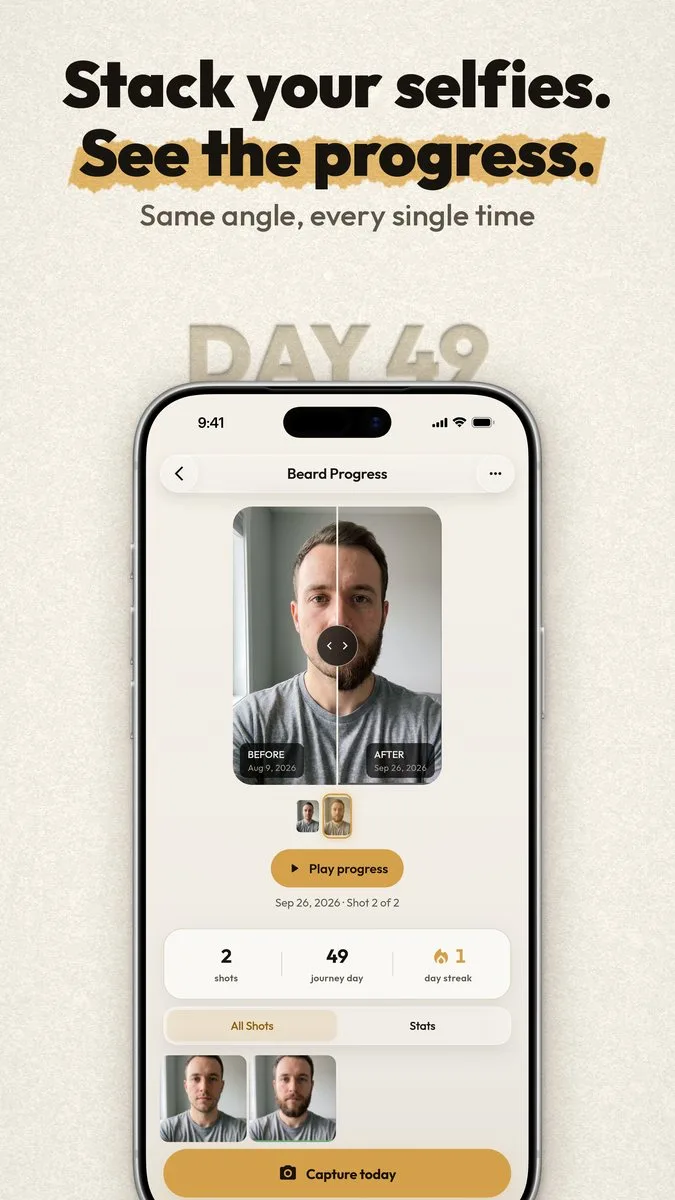
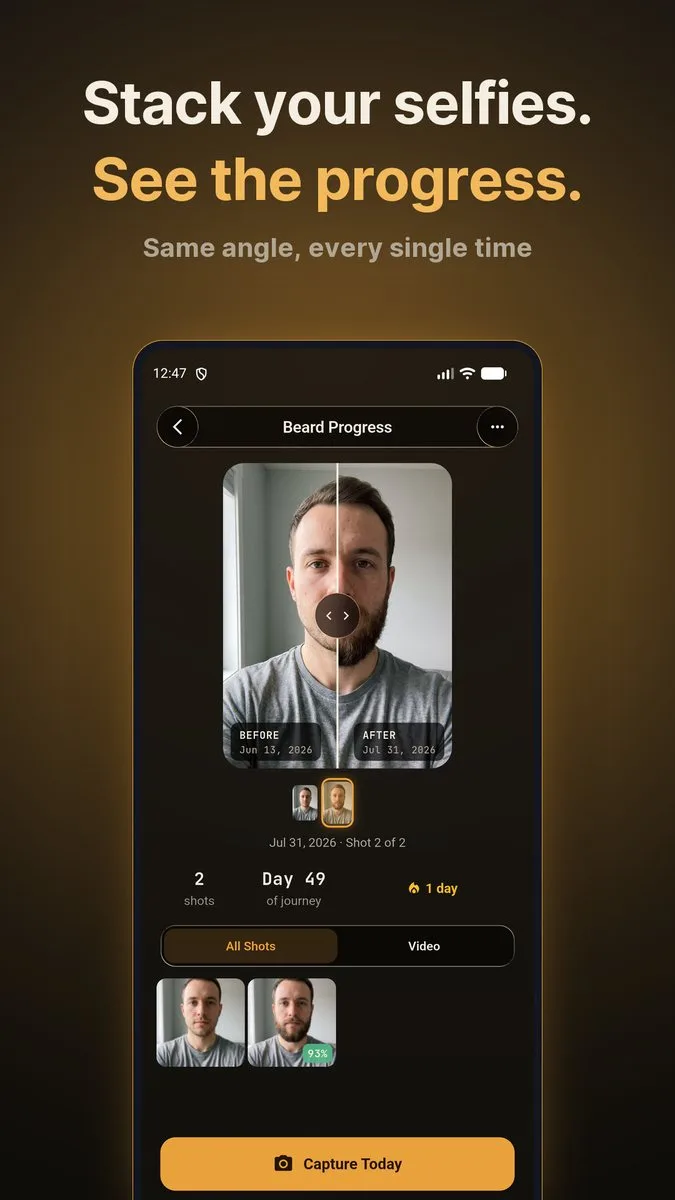
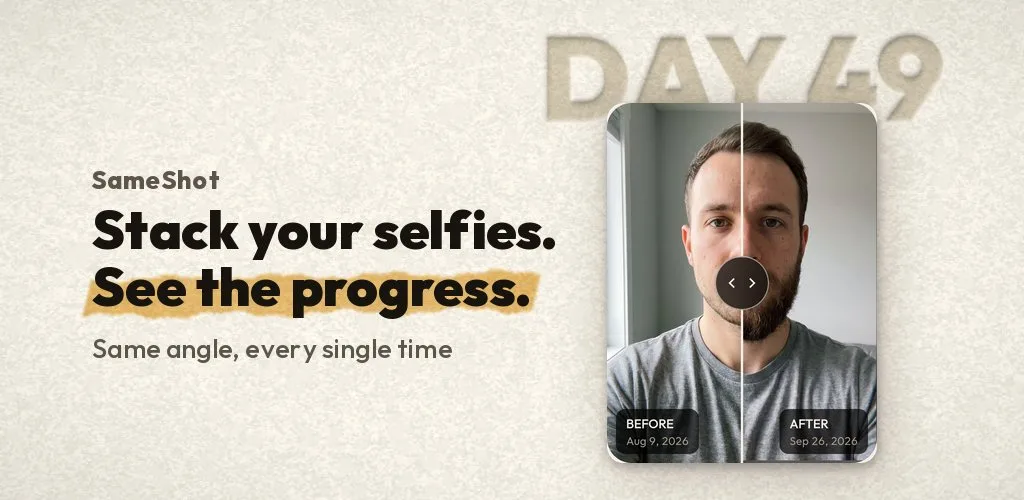
App store graphics are the icons, screenshots, feature graphics and share images that go with an app. I have made them for SameShot, Dishmo and Rhino Dash. SameShot, our progress-photo camera at Appynox, has a store listing with two finished looks, a light one and a dark one, built to be tested against each other.
I built my own drag-and-drop screenshot composer for this, because laying out the same set by hand twice felt wasteful. I have also made app mockups, which show what an app will be before it exists, for YatraMate and OffNet. Listing copy and search work belong to SEO and launch.
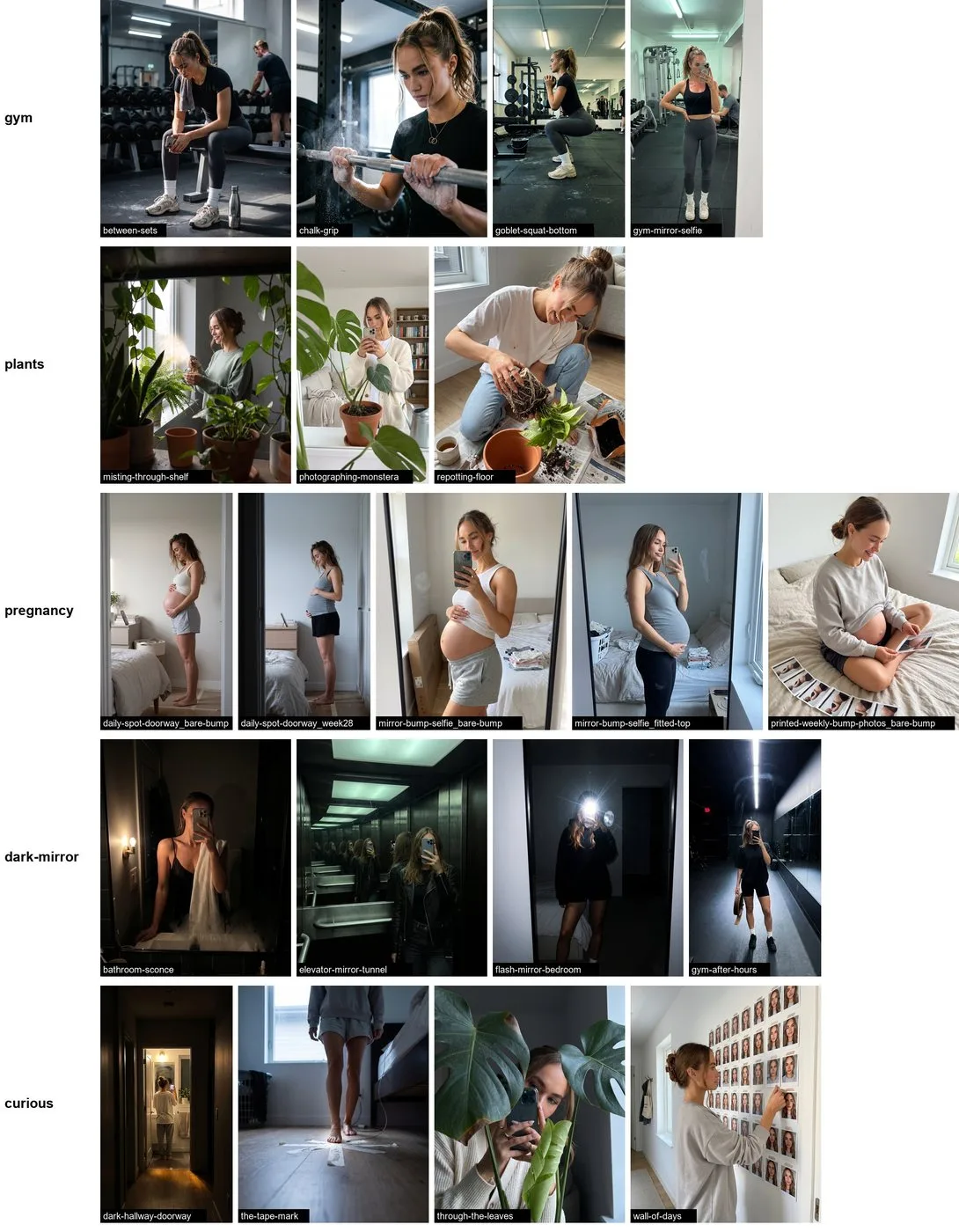
Some ads need a person on screen. For app ads I use Mila and Theo, two fictional creators. Each looks the same in every ad, and both are labelled as AI.
AI art direction means a person makes the decisions and the tool carries them out. On my projects that comes down to five steps, and four of them happen before the first image is generated.
I start by asking what the piece is for, who has to see it, where it will appear and what it must contain, such as a name, a date or a legal line. I also ask for a real reference, like a poster or a page you wish were yours, and I study what it does well, for example how it uses empty space. I do not copy the artwork.
A vague brief is fine at this stage. Filling the gaps is my job, and I fill them with decisions you can see, not with whatever the tool defaults to.
A direction has a name and a short written description of its decisions: how many colours, what kind of image, how the type behaves, how much of the page stays empty. “Warm and trustworthy” is a feeling you want. A direction says what the page will do to create it, such as a cream background, one real photograph and a large serif headline.
If you already have a brand, the direction is your brand system. If you do not, I invent one and write down why it fits. I prefer one idea pushed hard to ten applied lightly.
Each brand has its own written list of forbidden looks, and every ban comes with a substitute beside it, so the tool is pointed at something better and not only away from something. The general part covers the usual giveaways, such as the default purple-blue gradient, a glow around the subject and a lightbulb standing in for an idea. Your brand adds its own entries. You will probably never see this step, but I think it is where most of the generic look gets removed.
Before any image exists, I show you the direction in words, a rough layout, and the spec, which lists the sizes, colours and text the piece will carry. You say yes or you change it. Changing a sentence in a written direction is much quicker than redoing a finished image, so the approval comes first.
Now the tool runs. The first result is a draft, and I judge it against the written spec instead of against whether it looks nice. I check it at full size and at the size people will see it, read every word in it, and revise until it clears the bar set in the direction. Then I prepare the files you need.
The order matters because an open prompt returns something close to the average of what the tool has seen. By the time the tool runs on my projects, most of those open questions are already closed. The full argument is in the post AI branding without the slop.
An image tool helps most at the start of a logo job, when many rough ideas are needed quickly. I explored the Gemini Strategic Consultants mark in batches, each sheet holding nine different ideas. Gemini means twins, and the idea I chose from those sheets was the pair of hands.
Most of any sheet is ordinary. A short, vague brief tends to return the stock symbols of a trade, such as a compass or a handshake, while the strongest idea in a batch usually does two jobs at once, like hands that are also a letter. So choosing is a skill, and I do it myself.
Next I redraw the chosen mark as a vector file. A picture from an image tool is a fixed grid of pixels, while printers and developers need clean shapes that scale to any size. Before you see the mark, I try to break it with these checks:
I explore far more ideas than I show you, and how many directions you want to compare is decided with you at the start. If you only need a quick placeholder, an online logo generator is a fair choice and I will say so. Before you print a mark on anything expensive, have it searched against trademark records in your country, because I am a designer and not a lawyer.
Generated images suit moods, textures and scenes that do not exist. They are the wrong tool when a picture claims to show something real, so for a real person, place, event or product I start from a real photograph and build the design around it.
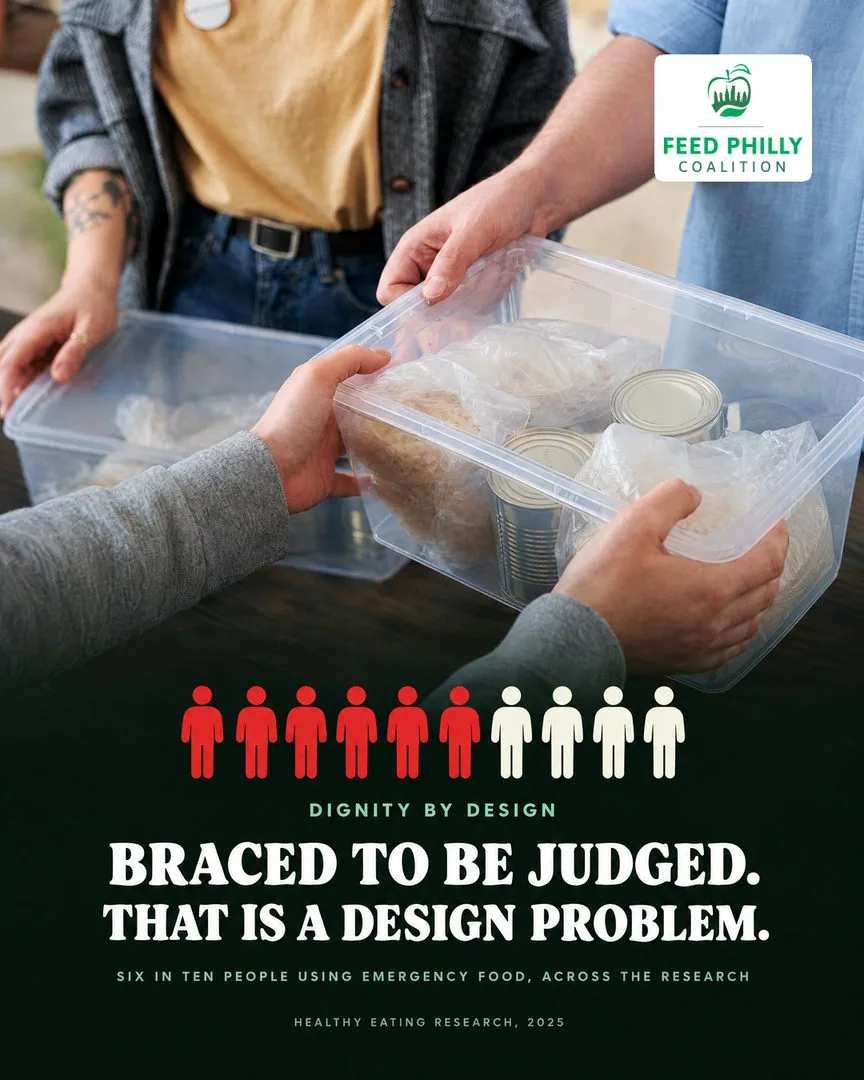
Real photos were part of the August 2026 overhaul of the Feed Philly Coalition website: generated images came out and photographs went in. It is a site about people in Philadelphia, so generated faces would have been a poor fit.
If you have photographs of your shop, your team or your product, send them. A good photo of the real thing usually beats what I can generate. I take photographs myself with a Sony a6700, which helps me spot a generated image that looks too smooth to be real.
I do not use AI for everything. If a job is better done in vector software or from your own photography, I do it that way and tell you why.
A finished project ends with files and a short written brand guide that someone who has never met me can use. The brand guidelines cover five things:
Your banned list goes into the guide too, so anyone you hire later, and any AI tool your team uses, can follow it. I have also designed pages for client websites, among them a nonprofit’s and a home-care company’s, so a guide from me carries over to a site. Building that site is website development.
In AI branding, slop is what appears when nobody has made the decisions, so I make them in writing. A design-director agent carries those rules: the banned looks with their substitutions, the checks a piece has to pass and the standards for each brand. It reviews every draft against them before I look, which clears the obvious clichés early and leaves my attention for what a rulebook cannot see. My taste is written into the rules, and that is how a tool ends up working inside it.
A rulebook can only refuse what someone has already written down. A face that is a little too smooth, light that comes from nowhere in particular, letters that almost spell a word, a style I have seen on too many other accounts: a person catches these by looking, and I look at every piece before it ships. Every rejection, mine or yours, is recorded in the rules with its reason, and that record is what stops a mistake from repeating.
I also use a simple test on work that is merely fine. Remove the safest choice from the page and ask whether anyone would miss it. If nobody would, that choice was filler, and the design is better without it.
Mila and Theo, the fictional creators in my app ads, are AI, and every place either of them appears carries a label that says so. People read a face in an ad as a sign that someone real is vouching for the message. With an invented person nobody is, so the label puts that fact where the viewer can see it.
Consistency matters too. A new generation will happily produce a new face, and a creator whose face keeps changing looks like several different people, so keeping Mila and Theo the same takes deliberate work.
There is one thing I do not do: I do not generate a face and present it as your customer, your staff member or someone who tried your product. If you want a creator or a mascot for your own ads, the same rules apply: the character is labelled as AI, stays consistent, and is never passed off as a real person.
I do not publish prices on this page, because the same request can mean very different amounts of work. After a call I send a plan in writing with a quote. These are the things that move it:
AI shortens the exploring stage. Deciding what is right and checking it still take care, which is why the quote follows scope and rounds more than it follows the tool.
The easiest way to start an AI branding project is to book a 30-minute call. The booking page shows your own time zone. Bring what you sell, who you need to reach, anything you already have, such as a logo, colours or photos, and a few examples you like and one you cannot stand. Afterwards you get the plan and the quote in writing.
If you would rather write first, email a brief to anujpaudel98@gmail.com. If you are in Nepal, see AI graphic design and branding in Nepal: quotes come in Nepali rupees, and WhatsApp or Viber on +977 9849274961 reaches me fastest.
What it is for, who it must reach, and a real reference to aim at.
You approve a written direction before anything is generated.
Generated, refined and checked at full size against the list of AI clichés.
Files for web, print, social and app stores.
Generic AI output: the same glossy faces, purple gradients and melted text you have seen a thousand times. It happens when nobody directs the tool.
A written brief, a real reference, real photos where the subject is real, a list of banned clichés, and a person who rejects anything that looks generated.
AI helps me explore many directions fast. I choose and refine the strongest, and check it at small sizes before you see it.
Yes. AI-generated people, such as the creators Mila and Theo, are labelled as AI wherever they appear.
You do. You get the final files in the formats you need.
In Nepal?
Quotes in NPR, and calls or messages on WhatsApp and Viber.
AI graphic design and branding in NepalBigger build?
Appynox, the AI-first agency I co-founded, takes on full projects with a team of three.
Visit appynox.comBook a 30-minute call. I ask about the work, tell you honestly what is worth automating or building, and send a written plan and a quote.
Referred by someone? Mention them when you book.