Website development for small businesses and nonprofits.
I build fast websites for small businesses and nonprofits, with search built in from the first page. Sites run on Astro or Next.js, load quickly on any phone, and come with a simple editor when your team needs to publish without touching code. You own the code, the domain and the content.
What you get
- A site designed around what you sell, not a template, with copy written for your customers.
- Search built in: titles, descriptions, structured data, sitemaps and fast pages.
- A content editor for articles and updates, so a new post needs no developer.
- Accessibility and mobile checks before launch.
- Hosting on Netlify or Cloudflare, connected to your domain.
- Redesigns of existing sites that keep your old links working.
Work I have shipped
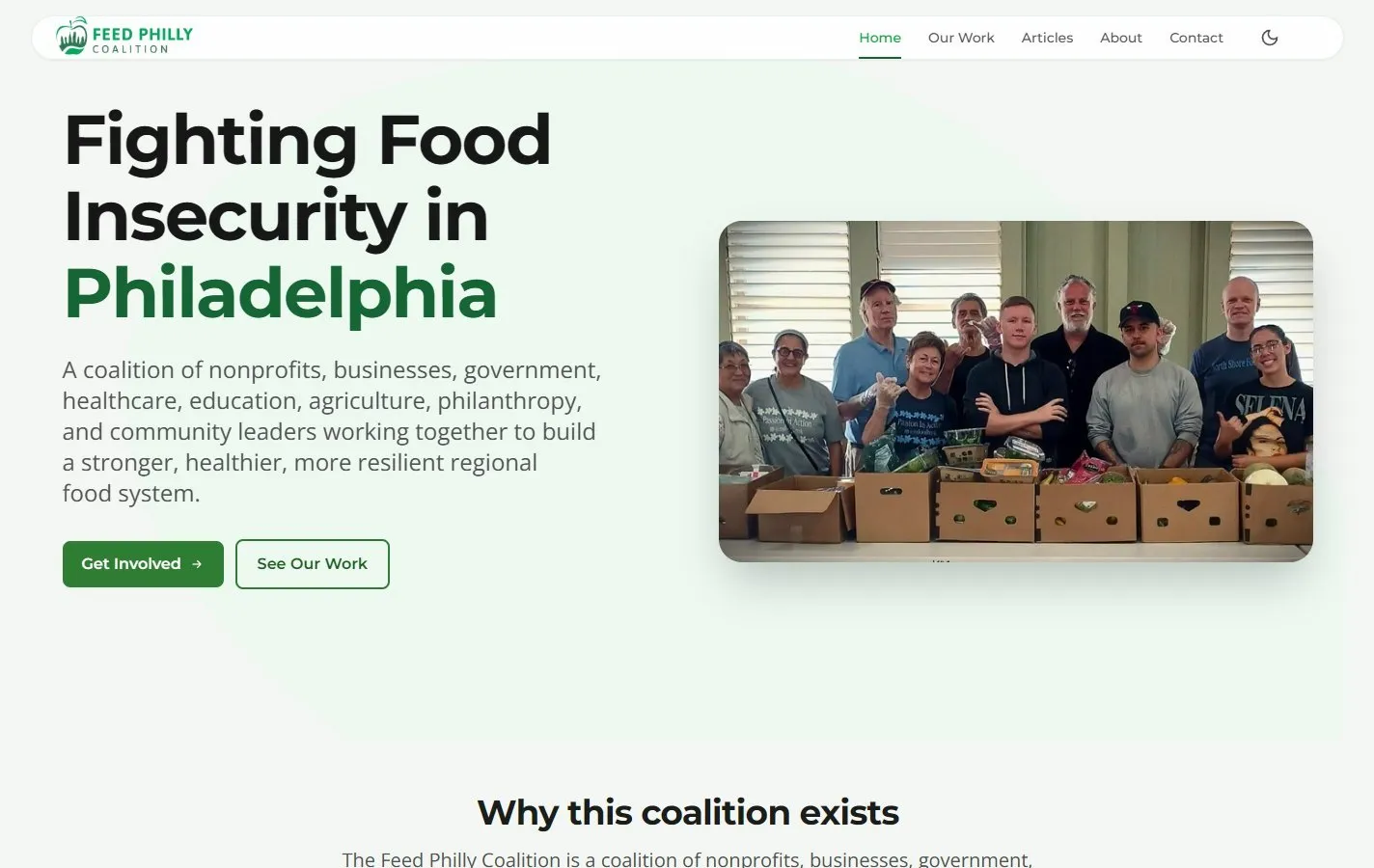
Feed Philly CoalitionWebsite and 21 articles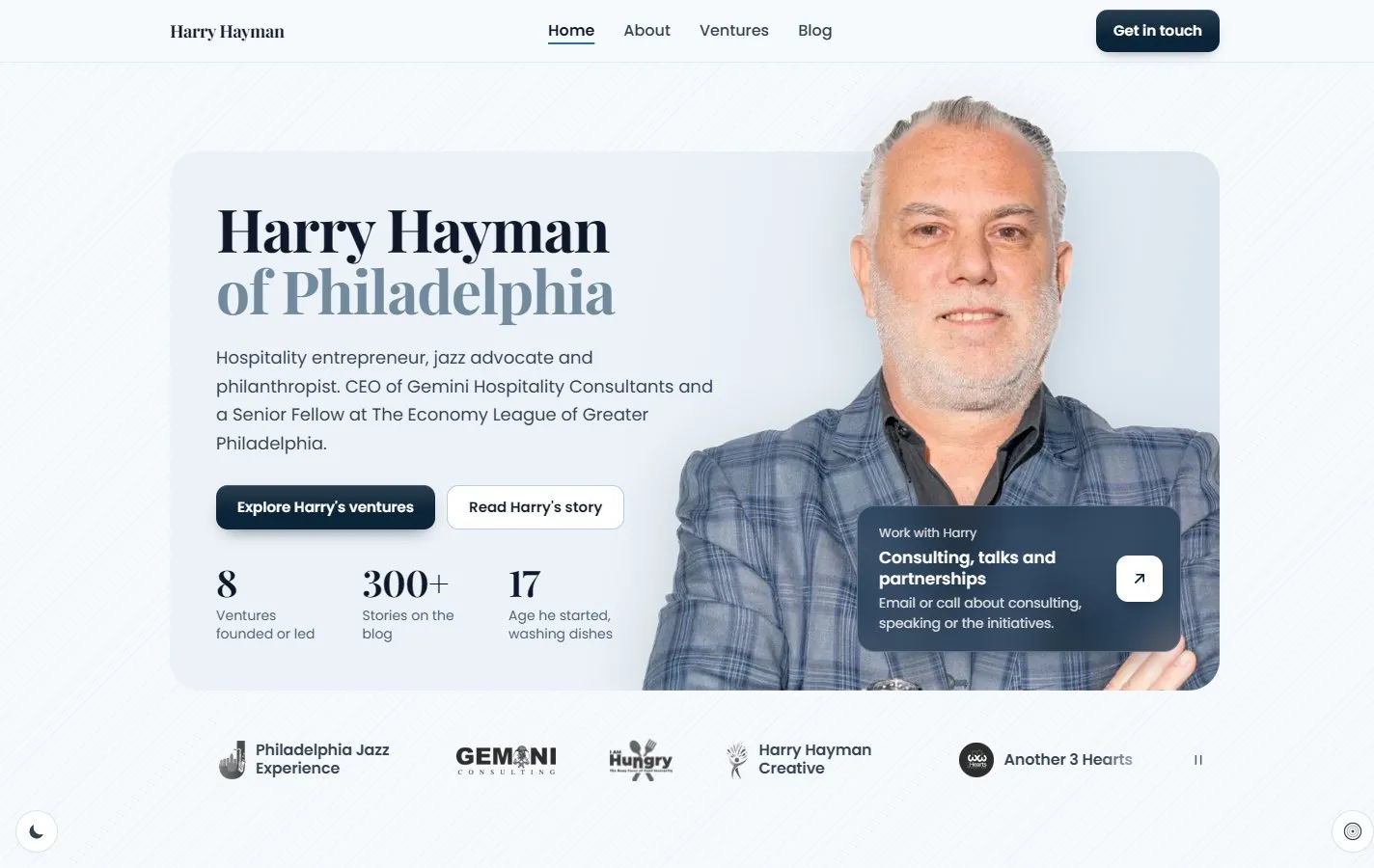 Harry HaymanRebuilt site and a 336-article blog
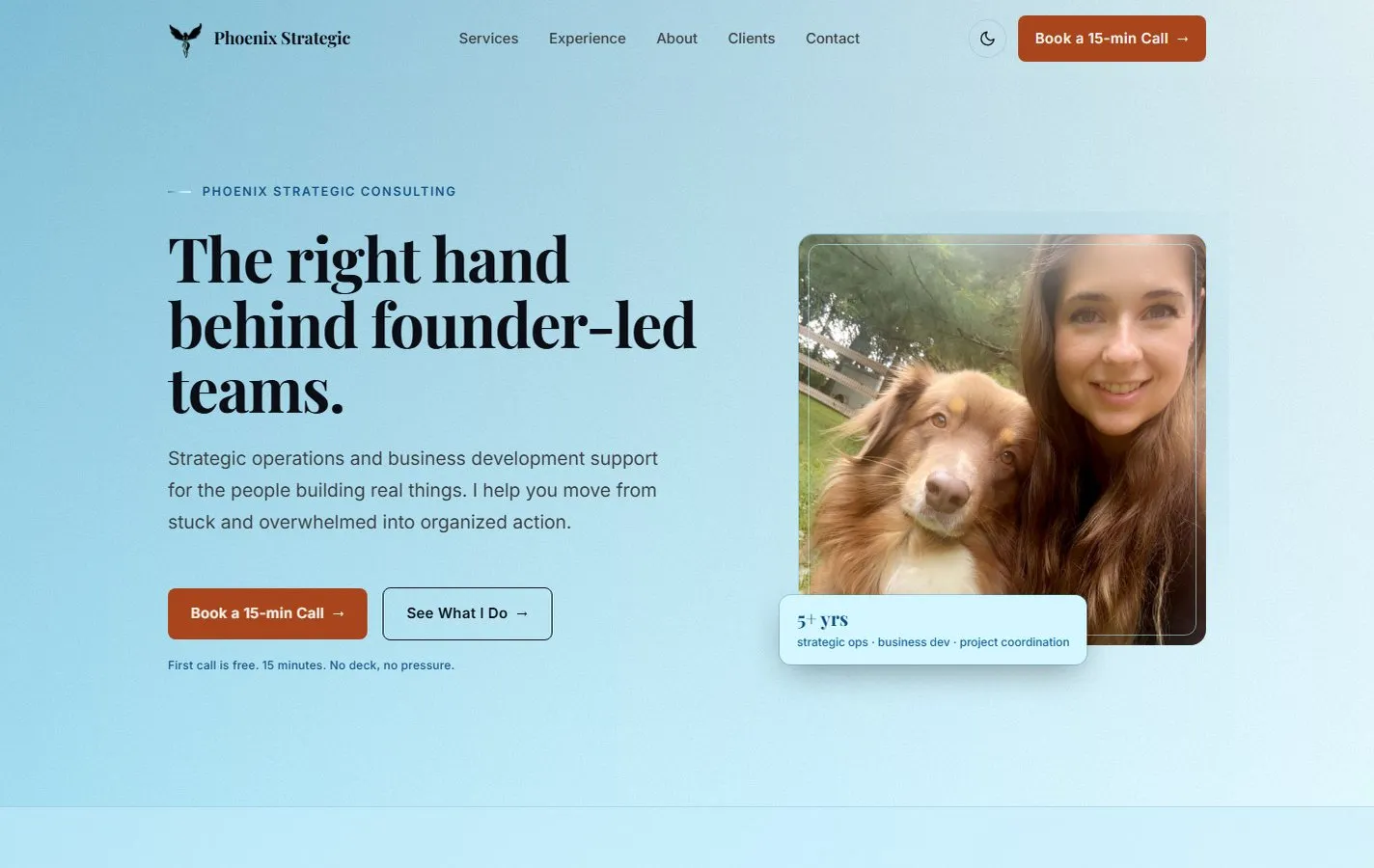 Phoenix Strategic ConsultingNew eight-page website
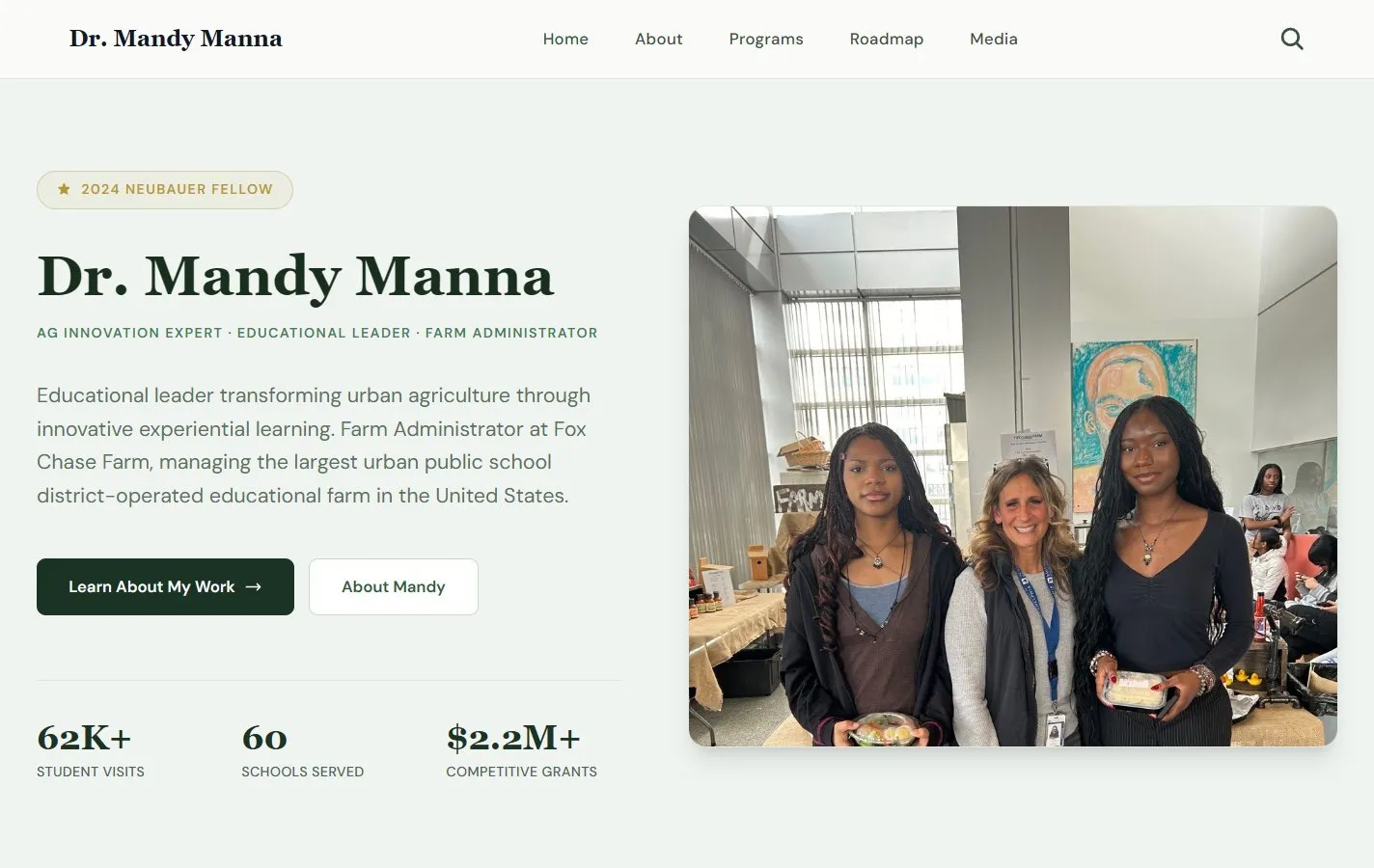 Dr. Mandy MannaPortfolio site rebuild
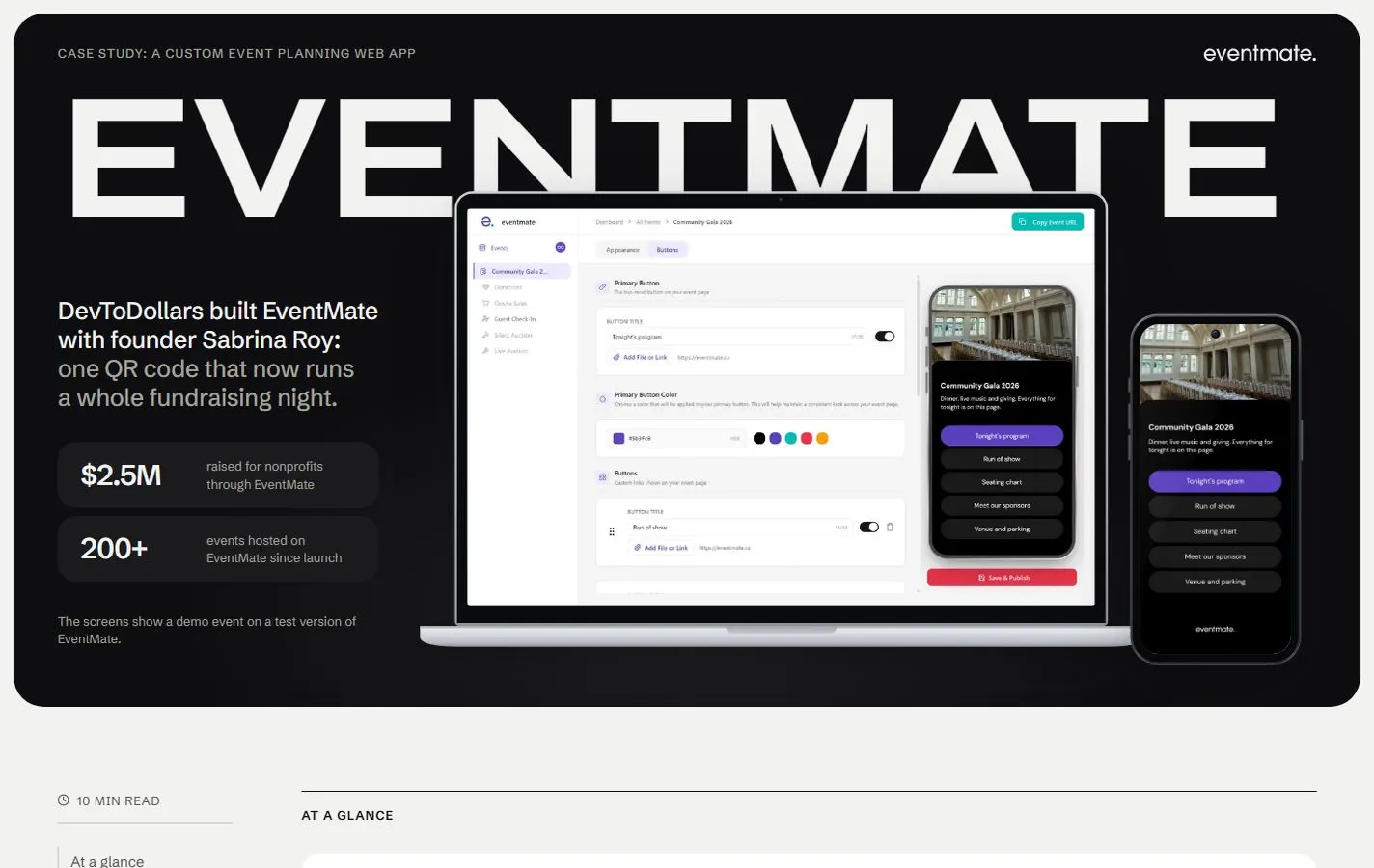 DevToDollarsCase study page, written and designed
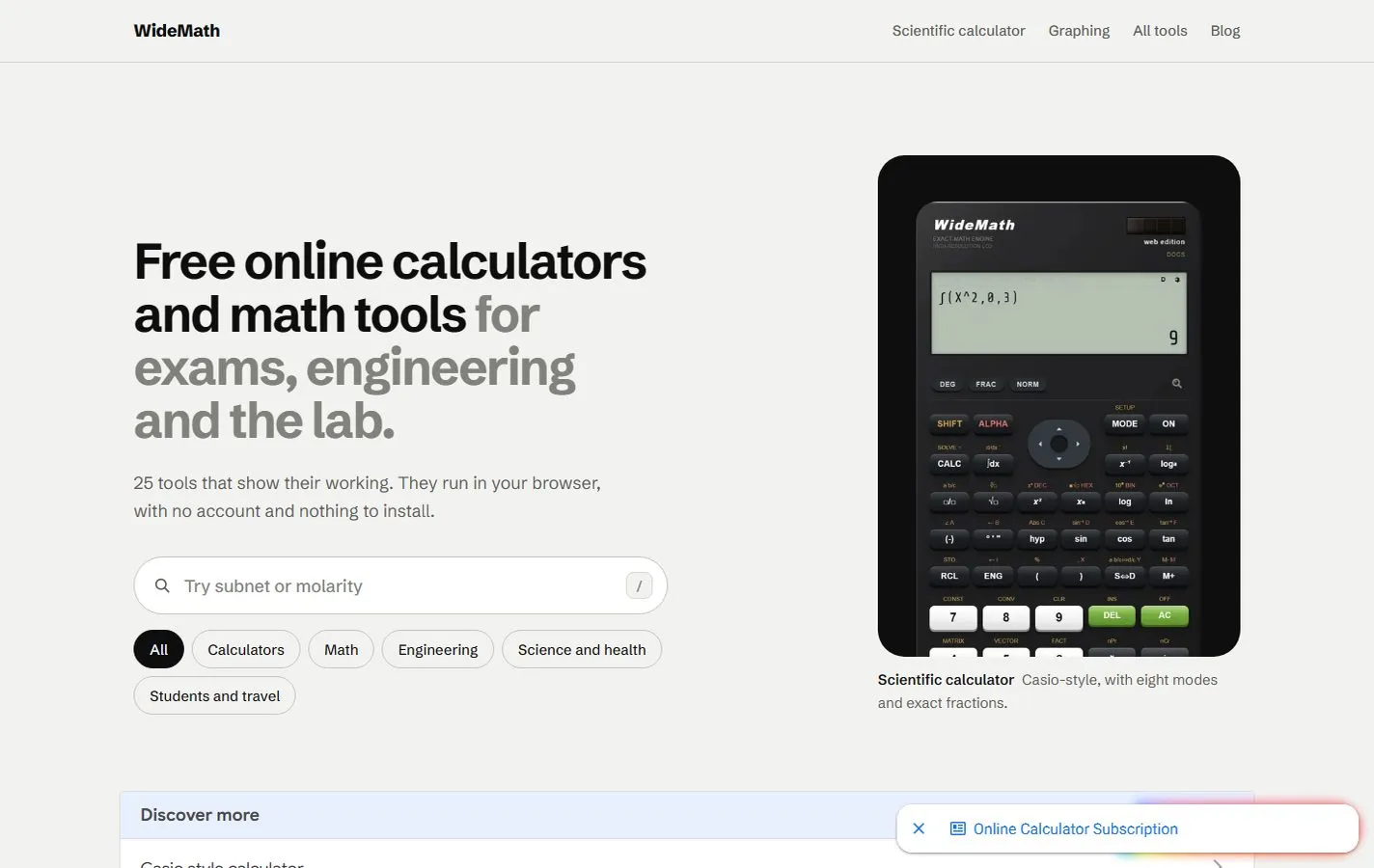 WideMath25 free math tools
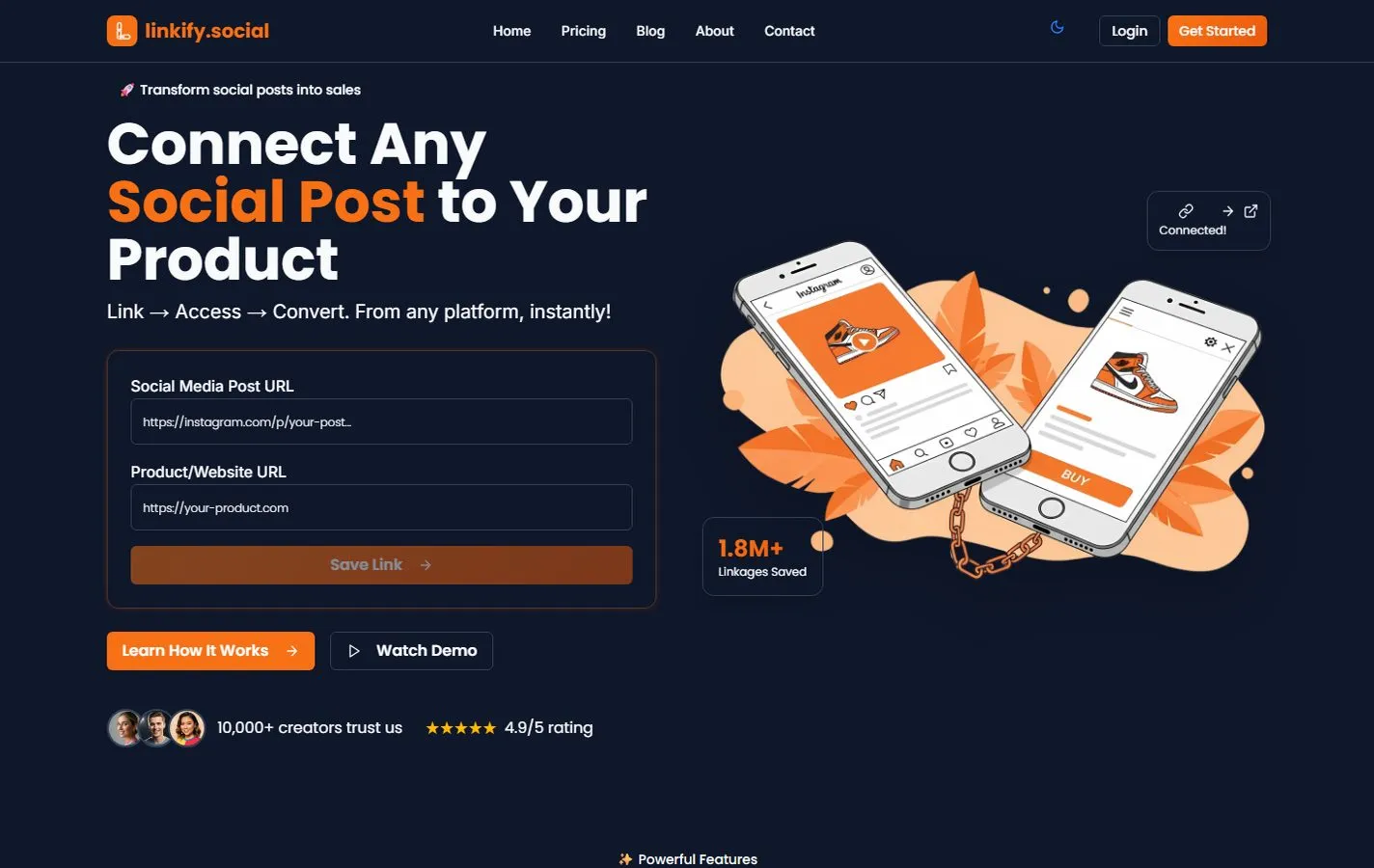 Linkify SocialMarketing site, blog and dashboard
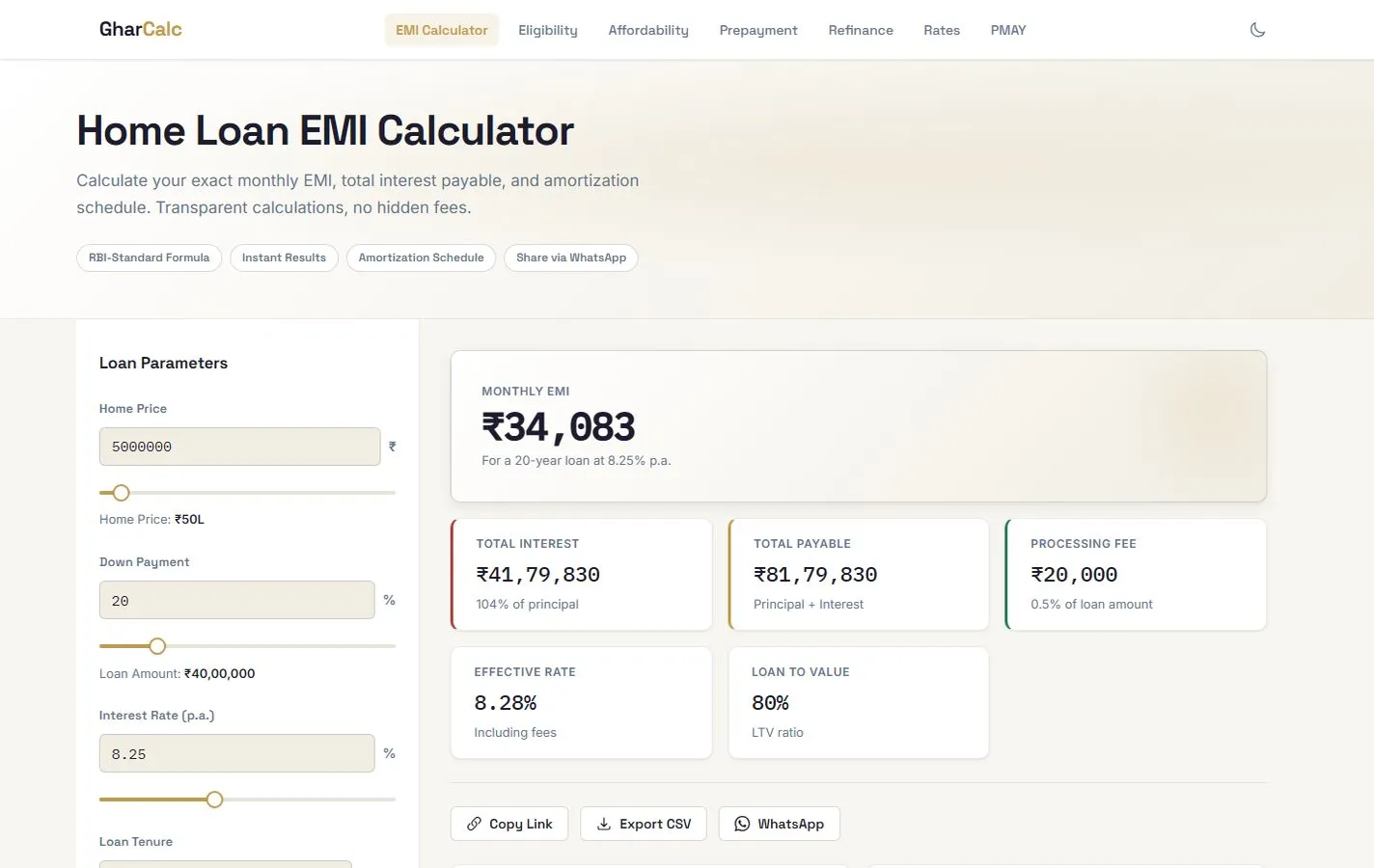 GharCalcHome-loan calculators
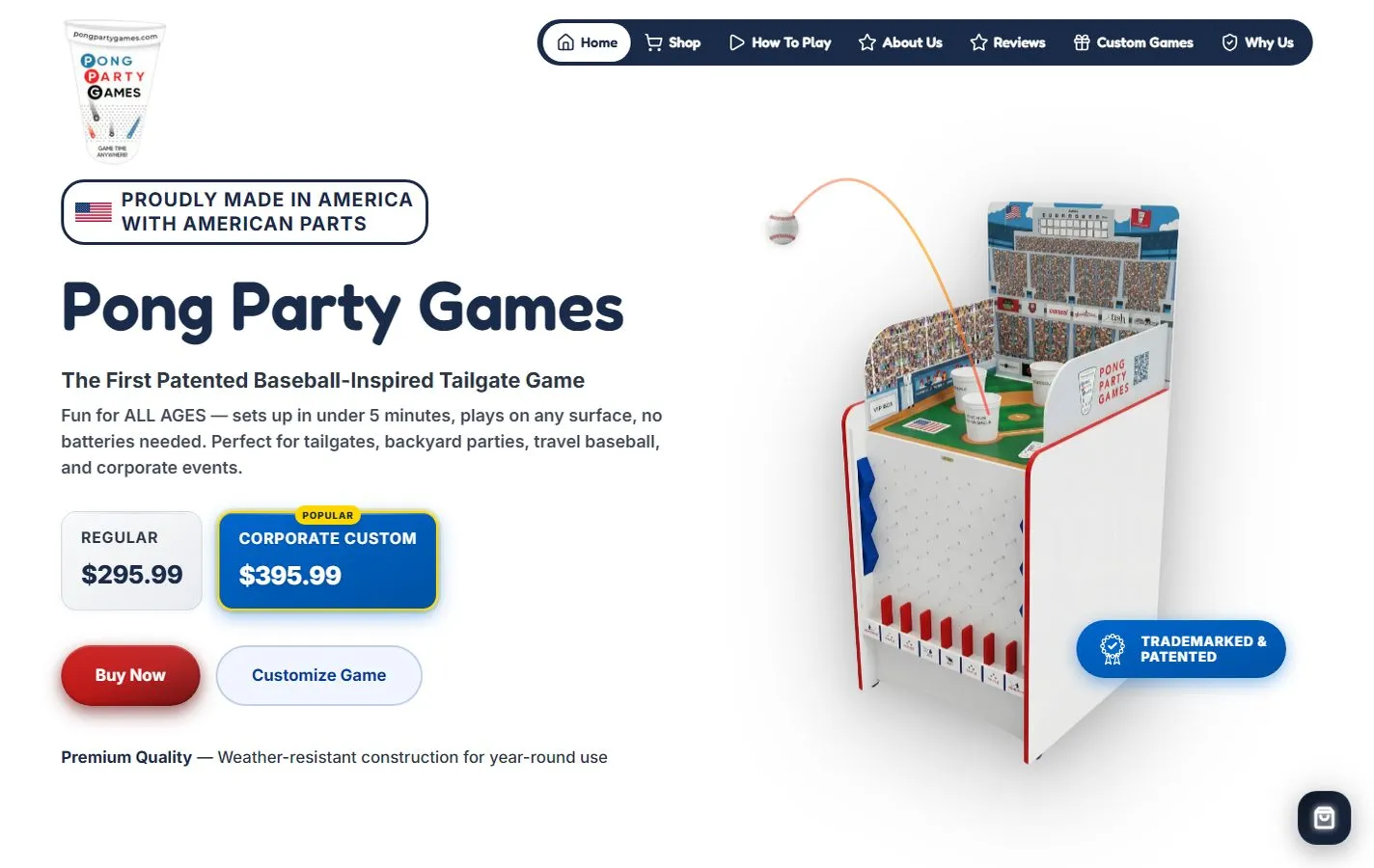 Pong Party GamesWebsite for a party game maker
How I build websites for small businesses
On this page
- Website development for small businesses: what I build
- What every site includes
- Website redesign without losing your search traffic
- How a website development project runs
- The stack I use, and why
- Copy and photos for your site
- Your domain, code, hosting and content stay yours
- Website maintenance and care after launch
- What drives the cost of website development for small businesses
- How to start
Website development for small businesses is the work of planning, writing, designing and building a site that opens quickly on a phone, can be found in search, and lets your own team publish without code. I handle every step, from the first call to the launch. I am a small business website developer working from Kathmandu, and most of my clients are small businesses, nonprofits and founders in the US.
Website development for small businesses: what I build
I build five kinds of site, and each has a real example below. They are marketing sites for small businesses, nonprofit sites that publish articles, personal brand sites and blogs, case study pages, and free web tools.
Marketing sites for small businesses
A marketing site tells a stranger what you do, who it is for and how to reach you, then makes the next step obvious: call, book, buy or ask. I built a new website for Phoenix Strategic Consulting and a website for Pong Party Games, and my earlier work includes a client site for a home-care business.
Nonprofit website development with articles
Feed Philly Coalition is my main example of nonprofit website development. I built its website in February 2025, it carries 21 articles, and I am listed as the coalition’s technical lead.
A nonprofit site has two jobs. It explains the mission and asks for support, and it keeps publishing news, stories, events and reports. The second job is often the harder one, because the people writing have other work to do. So I give nonprofit sites an editor that staff or volunteers can use without a developer.
Personal brand sites and blogs
harryhayman.com is a redesign built around a 336-article blog, with a lead story at the top and an archive for each year. The articles are edited in Keystatic.
A blog like this puts one person’s name and work in front of strangers. A portfolio site is the short version of the same job: it shows a person’s work clearly enough for a stranger to judge it quickly. I built one for Dr. Mandy Manna.
Case study pages
I built the EventMate case study page for DevToDollars. A case study page has one job: to help a stranger decide whether you can do for them what you did for someone else. The order I use is the problem, what was built and what changed, with real screenshots and only the numbers you can stand behind.
Free web tools
Some of my sites are free tools that people use directly. WideMath, which we built at Appynox, is a set of 25 free browser math tools, including a Casio-style scientific calculator in 15 languages. In the week of 10 to 16 October 2026 it had 19,464 sessions, and 73% of them came from Google search.
GharCalc has free home-loan calculators for buyers in India, and the NEB GPA Calculator is free for Grade 11 and 12 students in Nepal. Each tool gets its own page and its own title, so a search for one calculator lands on that calculator.
What every site includes
A fast website on any phone
A fast website is basically a matter of sending less. Content pages are built ahead of time as plain HTML. Images are resized and compressed before they go online, fonts are limited to the few the design needs, and JavaScript is added only where something has to move.
The August 2026 overhaul of the Feed Philly Coalition site cut its JavaScript to a fifth, which leaves much less for a phone to download and run. You can test any site yourself, mine or a competitor’s, with Google’s free PageSpeed Insights.
An SEO-friendly website from the first page
An SEO-friendly website gives search engines the plain facts about every page. This is what goes in:
- Each page gets its own title and description, written for the person deciding whether to click, because search results often show both.
- Structured data, a small block of code, tells search engines what a page is: an organisation, an article, an event or a person. It can make a page eligible for richer results, though it promises nothing.
- A sitemap lists the pages you want found and is submitted to Google Search Console, and I check that the robots file blocks nothing by mistake.
- Images carry descriptive alt text, and anything that matters is real text rather than part of a picture.
No developer controls rankings, me included. What I control is that nothing on the site gets in the way, and that each page answers a question your customers type into a search box. The same basics tend to help AI assistants such as ChatGPT and Perplexity read and quote a page. Work on content and ranking after launch has its own page, SEO and launch.
Accessible colour and markup
Accessibility starts with whether people can read the page. Text meets the AA level of the Web Content Accessibility Guidelines for contrast, which is at least 4.5 to 1 against the background for normal-sized text. It also lives in the markup, the HTML underneath: headings run in order, buttons are real buttons, every image has a text alternative, and the whole site works with a keyboard alone.
Analytics you can read
I can set up analytics and Search Console for you. Analytics shows how many people visit, which pages they read and where they came from. Search Console shows the searches that brought them and any page Google could not load. Both live in your own Google account.
A website with a content editor (CMS)
On harryhayman.com the whole blog is edited in Keystatic, which keeps each article as a plain file next to the site’s code, so nothing is locked inside a vendor’s database. The writer sees a simple form for the title, date, text and pictures. I add an editor like this whenever your team will publish more than once in a while.
I choose the editor to match the people who will use it. A one-person business needs less than a team with several writers, and for a small site that rarely changes I will say an editor is not worth adding.
Website redesign without losing your search traffic
A website redesign can throw away the search history the old site has earned. Other sites link to the old pages, bookmarks and emails point to them, and Google has learned what each page is about. A careful redesign changes how the site looks and works and keeps all of that.
How I keep what ranks
- Before I change anything, I list the pages that already bring visitors from search and the pages other sites link to, using Search Console and the old sitemap. Those web addresses stay the same wherever I can keep them.
- Where an address has to change, the old one gets a permanent redirect to the closest matching new page, one for one. Sending every old link to the home page doesn’t count.
- The wording that earns the traffic stays unless there is a reason to change it.
- The unfinished site stays hidden from search engines until launch day, and then I check that the hiding has been switched off.
- After launch I submit the new sitemap and watch Search Console for pages that stopped loading.
The same steps apply when a site moves from another platform, such as WordPress, Wix or Squarespace. Even so, rankings can wobble for a while as search engines visit the new pages, and I tell you that before launch.
The Feed Philly Coalition overhaul
In August 2026 I overhauled the Feed Philly Coalition website, which I had built in February 2025. The overhaul cut the JavaScript to a fifth and fixed colour contrast. Every page also got its own title and description, structured data went in so search engines can see what each page is, and generated pictures were swapped for real photographs.
The redesign of harryhayman.com is the larger case. A 336-article blog has a lot of old links sitting in bookmarks, emails and other sites, and they were redirected to the new addresses so they kept working.
How a website development project runs
- The brief. It starts with a 30-minute call, where I ask who visits, what you want them to do, what the current site gets wrong and which pages bring in business today. If something is vague, I ask again until it is clear.
- A written plan and quote. You get the plan in writing first: the pages, the features, the editor, the hosting setup, what I write and what you supply, the schedule and the price.
- Design direction. I start from your brief, since a template looks the same on every site that uses it. I show the direction as named decisions: this typeface, these colours with their contrast checked, this layout for the home page, this tone for the copy. Words like clean and modern are not decisions. You say yes or push back before I go further.
- Working versions. Cloudflare Pages and Netlify both create a preview link for every change, so you click through the real site on your own phone while it is being built.
- Launch. I point your domain at the new site, set up redirects when it replaces an older one, check the titles, descriptions and sitemap, test on a phone, and turn on analytics where you have asked for it.
- Handover. I walk your team through publishing a post and leave a short written note on where everything lives and who holds each login.
The stack I use, and why
I pick the tools once I know what the site has to do. That choice affects how fast the site is and what your team can change later.
Astro website development for content sites
For a site made mostly of pages and articles, I usually build with Astro. It turns each page into finished HTML ahead of time and sends JavaScript only for the parts that move, so Astro sites tend to open quickly. It works with editors such as Keystatic. The scientific calculator and the home-loan calculators above use Astro and plain JavaScript.
Next.js development for sites that behave like apps
When a site needs logins, a dashboard or pages that change for each visitor, I use Next.js. That’s closer to app development than to publishing pages. The website for Linkify Social, which we built at Appynox, is a Next.js site on Netlify, and I also built a Next.js tool that composes app store screenshots. If a project grows into an Android or iPhone app, that is a Flutter job, and the app development page explains how those projects run.
Tailwind, Svelte and plain HTML
For styling I use Tailwind, which keeps the design rules in one place and the finished CSS small. Interactive pieces use Svelte or plain JavaScript. When a site is a few pages that rarely change, plain HTML and CSS are enough, and choosing the smaller option is part of the job.
Cloudflare Pages and Netlify hosting
I host sites on Cloudflare Pages or Netlify. Both build the site from its code each time something changes, serve the finished pages from servers close to the visitor, and include an HTTPS certificate. Which one I pick depends on the project and on whether you already have an account with one of them. Either way the account is yours.
Where AI agents fit
I also build with AI agents that carry my written rules for how a site should be made, including a list of generic design habits to avoid. They do the repetitive drafting and checking, and I make the decisions and read what they produce before you see it. This website was built that way.
Copy and photos for your site
I write the page copy from the brief, or I edit the text you already have. Either way I write for the visitor: what they came to find, what worries them and what you want them to do next. Headings use the words customers search with, and each page answers its main question in the first paragraph.
I check every claim with you, and I do not invent facts, results or quotes. When I use AI for a first draft, I rewrite it against your brief, because text from an unguided prompt reads like the average of the internet.
Photos matter as much as the words. I choose your own pictures of your work and your people over stock photos, since a competitor may be using the same stock photo. For Feed Philly Coalition I replaced generated pictures with real photographs. If you have few photos, I tell you which ones to take.
Your domain, code, hosting and content stay yours
The domain is registered in your name, so nobody else controls your address. If you do not have one yet, I help you register it under your own account. The hosting account on Cloudflare or Netlify is yours too, and I work inside it as an invited user whom you can remove whenever you like.
The code lives in a repository you own, which means another developer can pick the site up if you ever want that. Your articles are files in that repository or entries in your editor, and every login is held by you.
Website maintenance and care after launch
A launched site still needs someone looking after it. On the kind of site I build, website maintenance is light. I keep the framework and the packages it depends on up to date, fix whatever breaks when a browser or phone changes, add pages and sections, and make the content changes you’d rather not make yourself.
Because the code sits in a repository, every earlier version of the site is saved, and a bad change can be undone. I can stay on to do all of this, or you can take it over with the handover note and your own team.
What drives the cost of website development for small businesses
I don’t list prices here, because the number depends on the job. After the first call you get a written quote, and these are the things that move it.
- Pages built from a few shared layouts take less design and testing than pages that each need their own.
- New copy for every page costs more than light edits to text you already have.
- A large archive, like the blog on harryhayman.com, means carrying every article and every old link across.
- Calculators, bookings, member areas, payments and logins are each a small application inside the site. A form that only emails you is simple, and one that also creates a task or sends a reply is where my AI automation work starts.
- WideMath’s scientific calculator runs in 15 languages, and every added language means more text to translate, check and test.
- Custom illustration or animation costs more than a clean layout built around your own photos.
- Upkeep after launch is separate from the build, and it is optional.
The schedule follows the same factors, and it goes into the written plan. You can start small, with one page now and more later. The domain and the hosting are billed to you directly by their providers, so they are never mixed into my price.
How to start
The simplest way to start is to book a 30-minute call. The call is on video, and the booking page shows my free times in your own time zone. It helps to bring the address of your current site if you have one, a few sites you like, and a list of what a visitor should be able to do. If you would rather write first, email a short brief to anujpaudel98@gmail.com.
Based in Nepal? There’s a separate page on website and app development in Nepal, written for Nepali businesses.
How it works
Book a call
Thirty minutes. Tell me what you need; I ask questions until I understand the job.
Get a written plan
Scope, timeline and a price, written down before any work starts.
Build with previews
You get a working preview link as the site comes together, not only at the end.
Launch and hand over
I connect your domain, set up analytics if you want it, and show your team how to publish.
Straight answers
Why Astro instead of WordPress?
Astro sites are plain, fast pages with nothing to patch every month: no plugins to break and no database to attack, and search engines read them easily. If WordPress fits your needs better, I will say so.
Can my team update the site?
Yes. Content sites get an editor for articles, events and pages, so a new post needs no code.
Will my site show up on Google?
Every page ships with titles, descriptions, structured data and a sitemap. Rankings take content and time, and I will tell you honestly what to expect.
Do you redesign existing sites?
Yes. Harry Hayman’s site was rebuilt from an open-source template into a home for a 336-article blog, with old links redirected so nothing broke.
Who owns the site?
You do: the code, the domain and the content.
Bigger build?
Appynox, the AI-first agency I co-founded, takes on full projects with a team of three.
Visit appynox.comTell me what eats your week.
Book a 30-minute call. I ask about the work, tell you honestly what is worth automating or building, and send a written plan and a quote.
Referred by someone? Mention them when you book.