SameShot
A camera that lines up your progress photos.
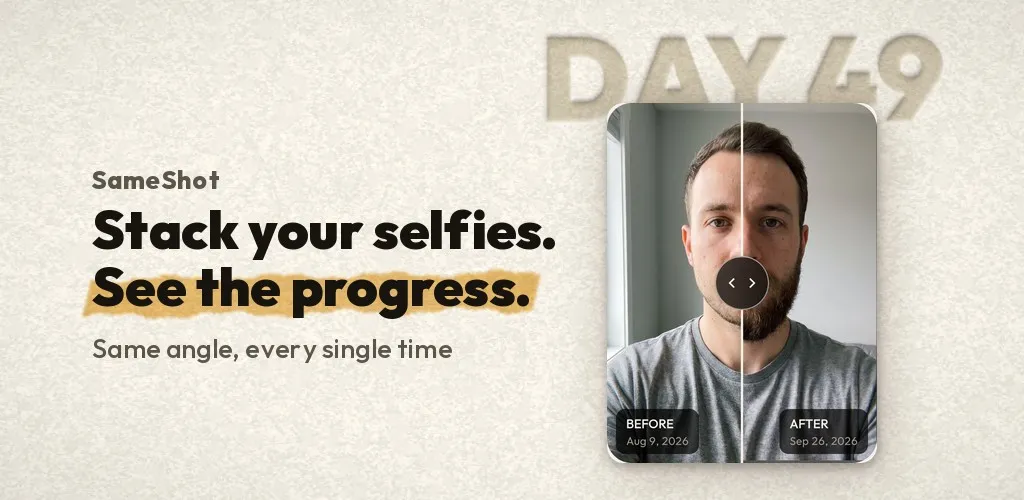
The problem
Progress photos taken from slightly different spots hide the change you are trying to see.
What we built
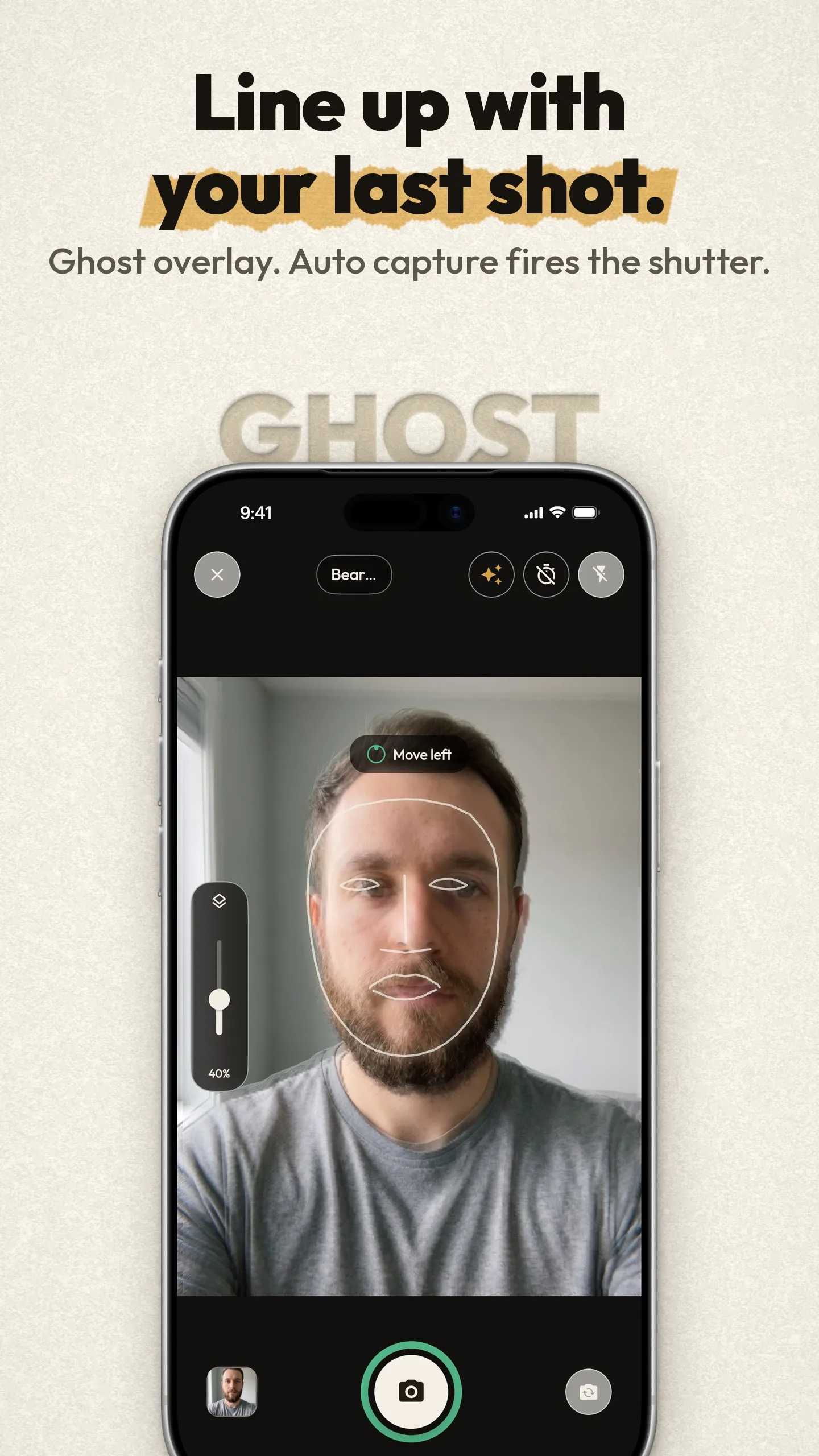
- A ghost of your last photo over the viewfinder, with auto-capture the moment you line up, using on-device face and pose detection.
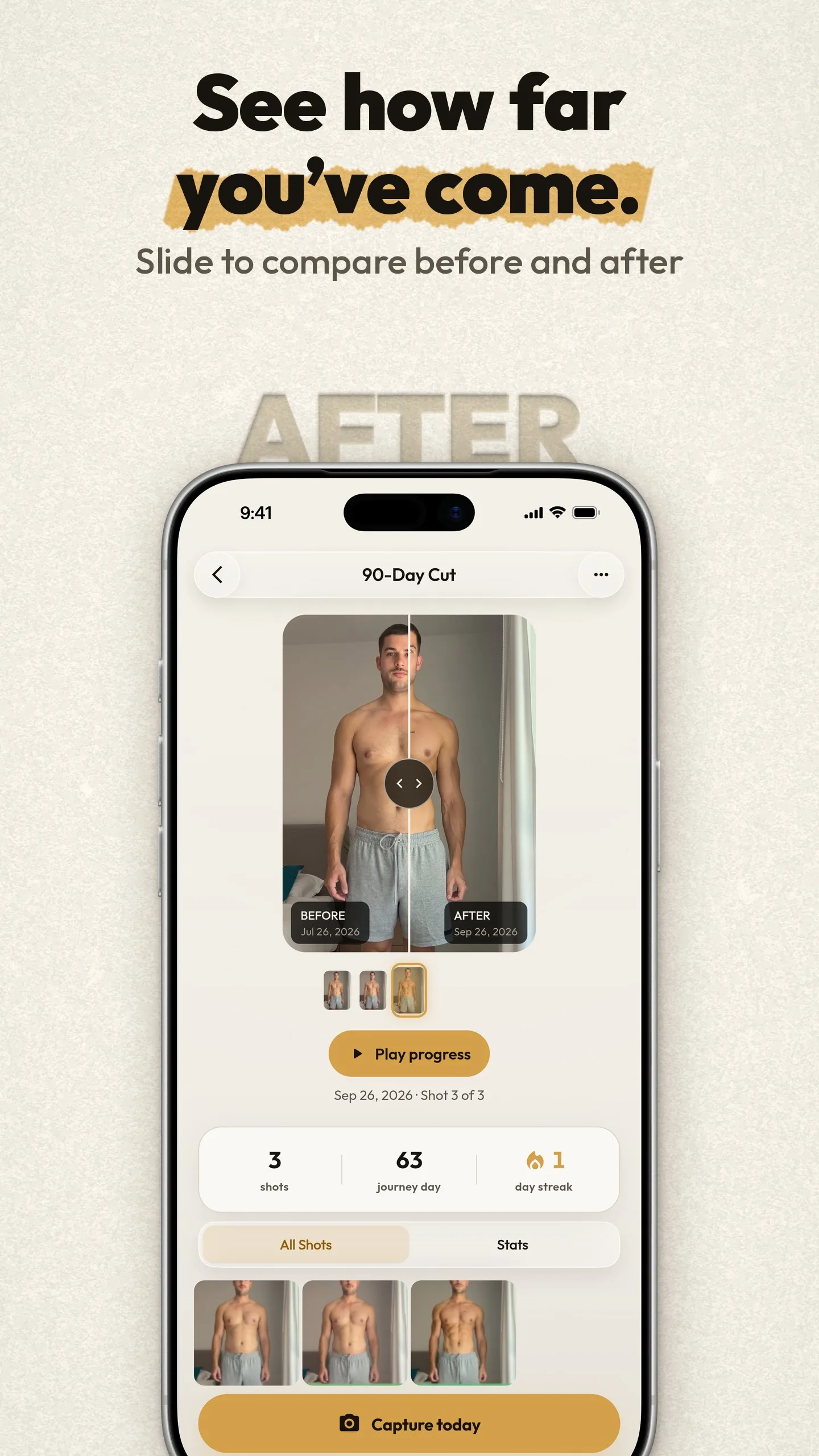
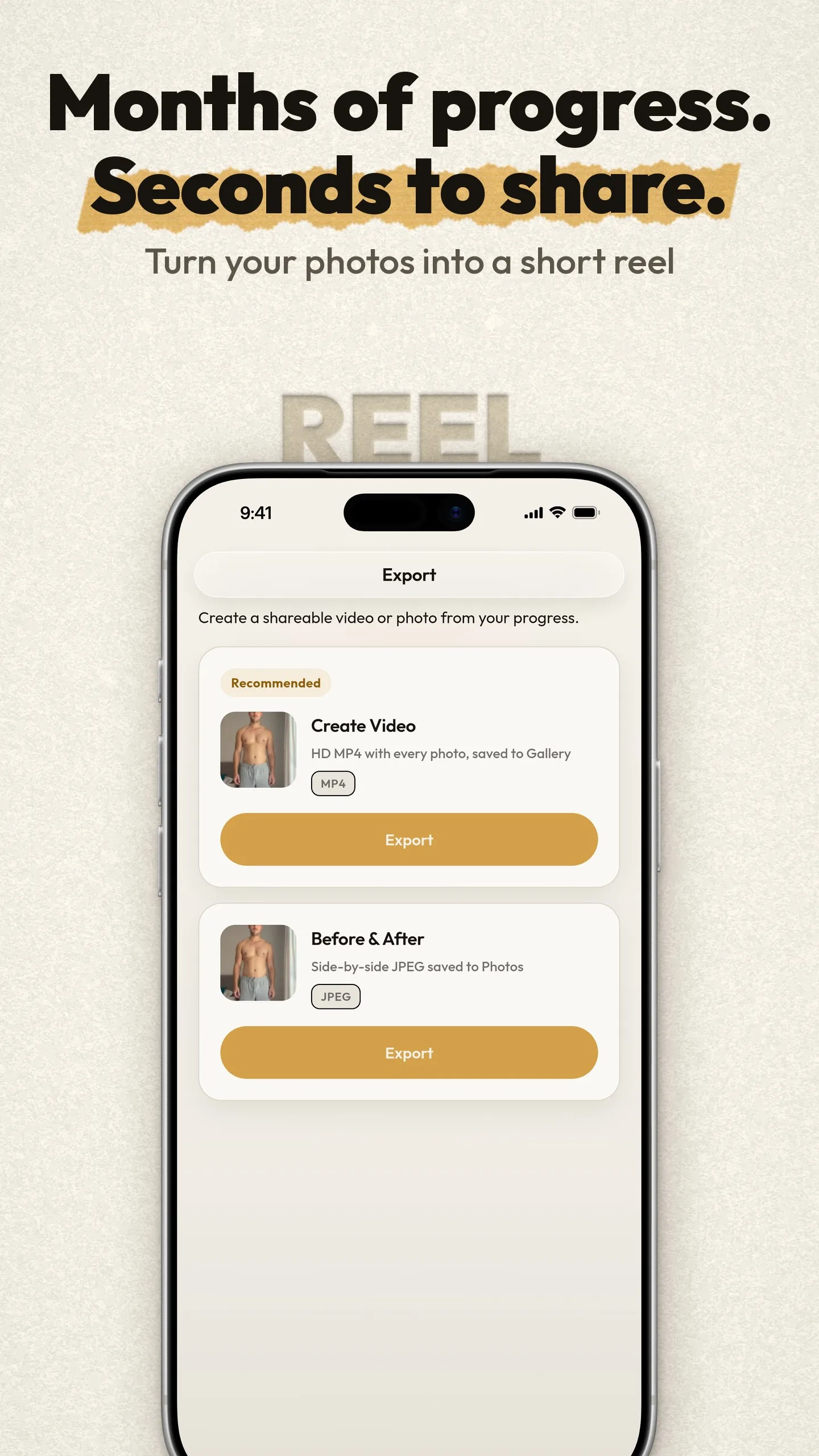
- A before-and-after slider and 9:16 timelapse reels, made on the phone.
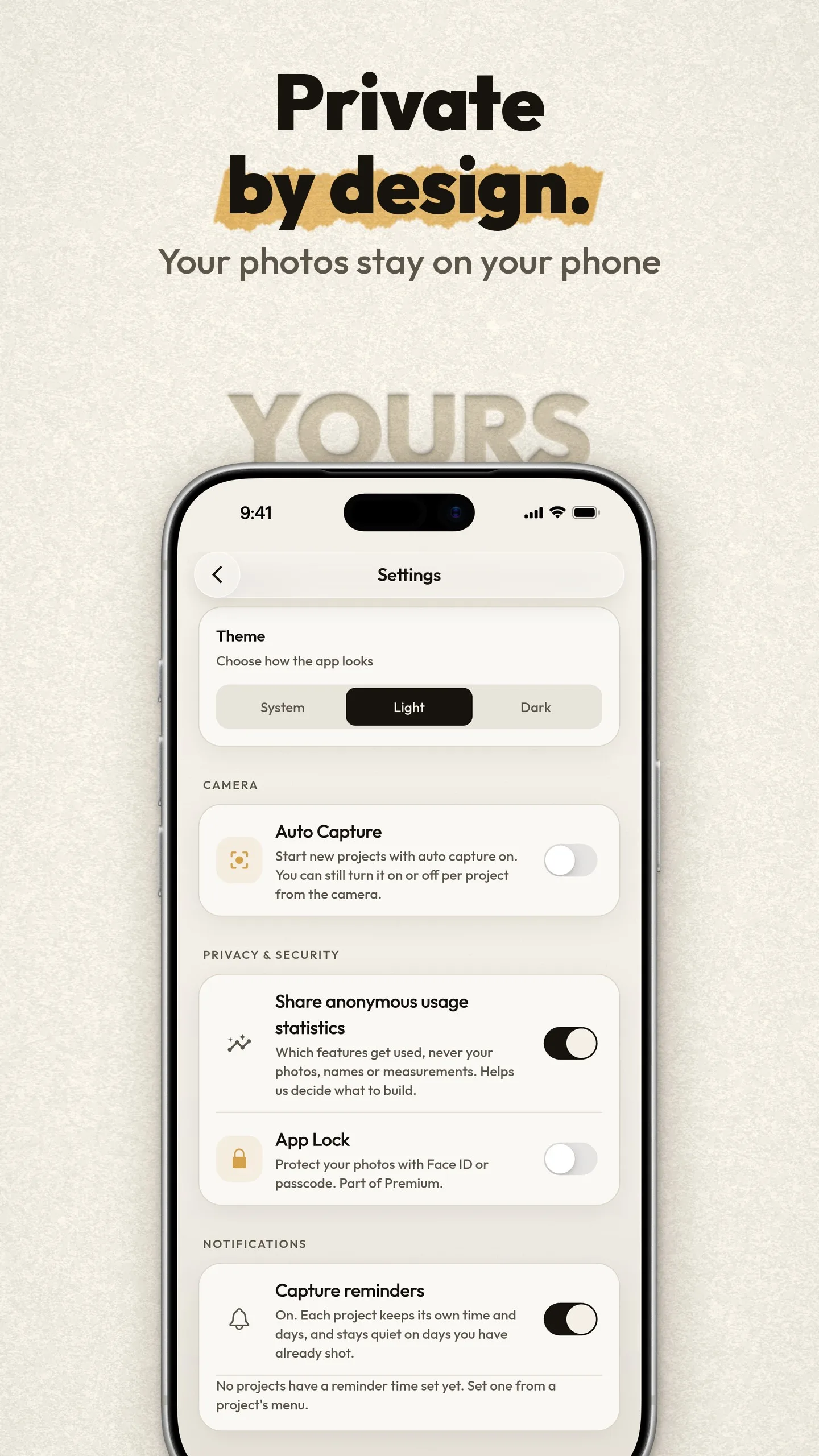
- Photos never leave the phone. A free tier with ads, and Premium as a single payment that removes them.
Where it is now
Live on Google Play since July 2026, now on version 1.5. The iPhone version is in development.
Built with
Flutter, ML Kit, Firebase, Google Play Billing
About SameShot
SameShot is a camera app for progress photos. It lays a faint ghost of your previous photo over the viewfinder, so every new shot matches the last one in position, size and angle. People use it for fitness, selfies, skin, hair, pregnancy, plants, pets and home renovations: anything that changes slowly.
When you line up, auto capture can take the photo for you, using face and pose detection that runs on the phone. You can compare any two photos with a split or fade slider, or turn a whole set into a timelapse video, including 9:16 for Reels, Shorts and TikTok. Measurements with charts, reminders and imports of older photos help you keep going.
Your photos stay on your phone and are never uploaded. SameShot is free on Google Play, with ads in the free version and a one-time Premium upgrade that removes them and adds unlimited projects, App Lock and higher-resolution video. We built it in Flutter with Google ML Kit, and it has been on Google Play since July 2026.