


How my AI system runs social media for 10 brand accounts, and why a person approves every post
13 AI sub-agents research, write, design, check and schedule posts for 10 brand accounts. A person approves each post, since a wrong one is hard to undo.
I build AI systems that run your social media: they research ideas, write captions for each platform, design the graphics, check the work and schedule it. Nothing goes live until you approve it. My system runs 10 brand accounts for a Philadelphia hospitality entrepreneur.

10brand accounts run by one system
13specialised sub-agents, each with one job
160+posts in the first five weeks
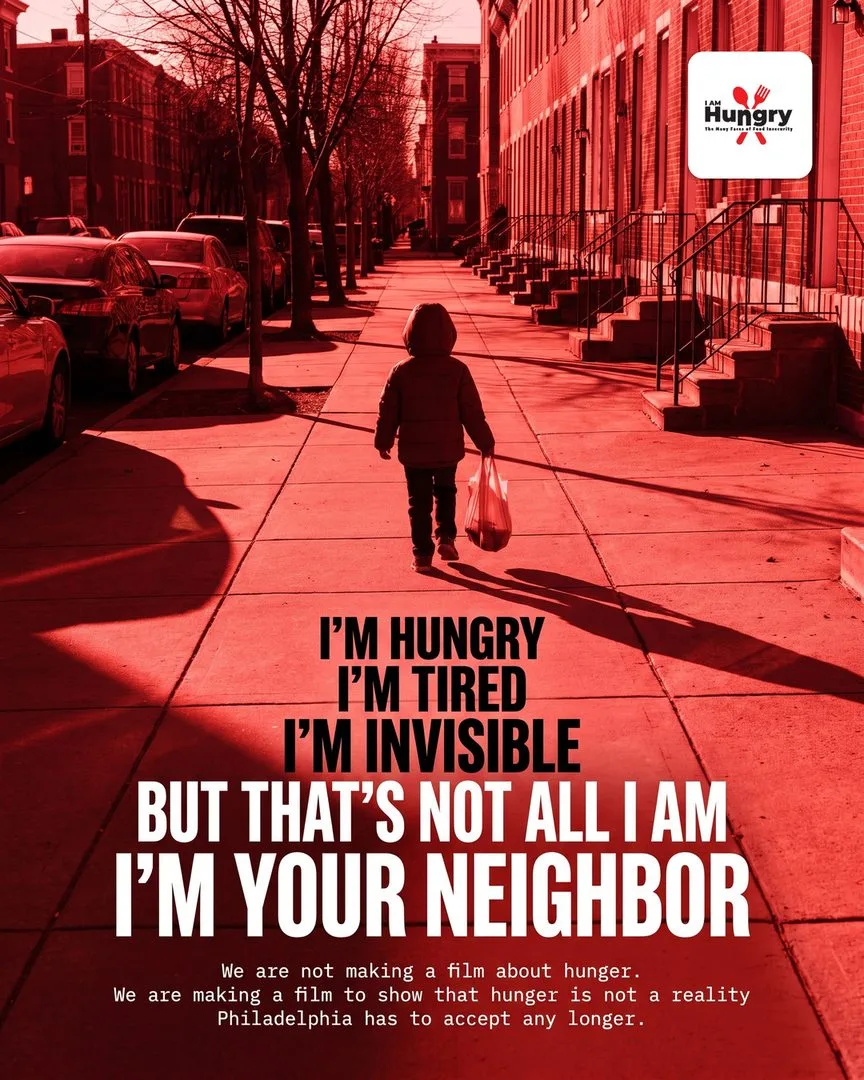
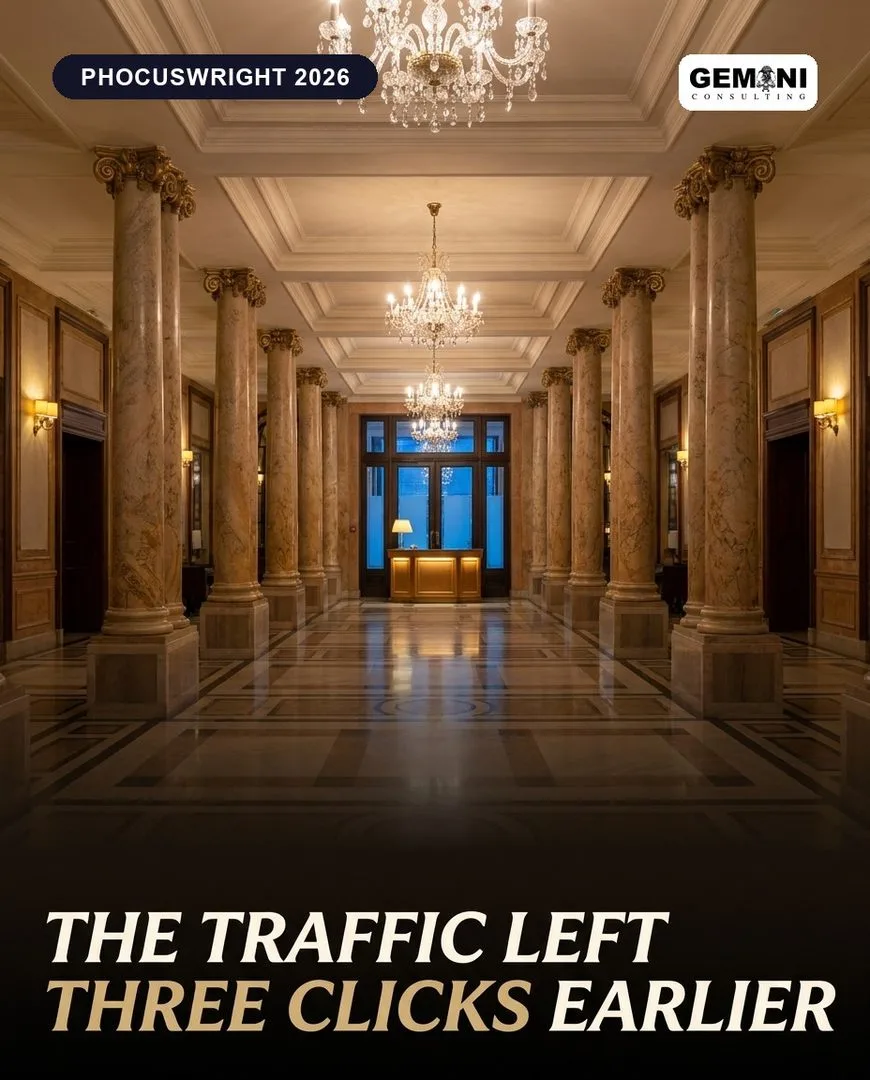
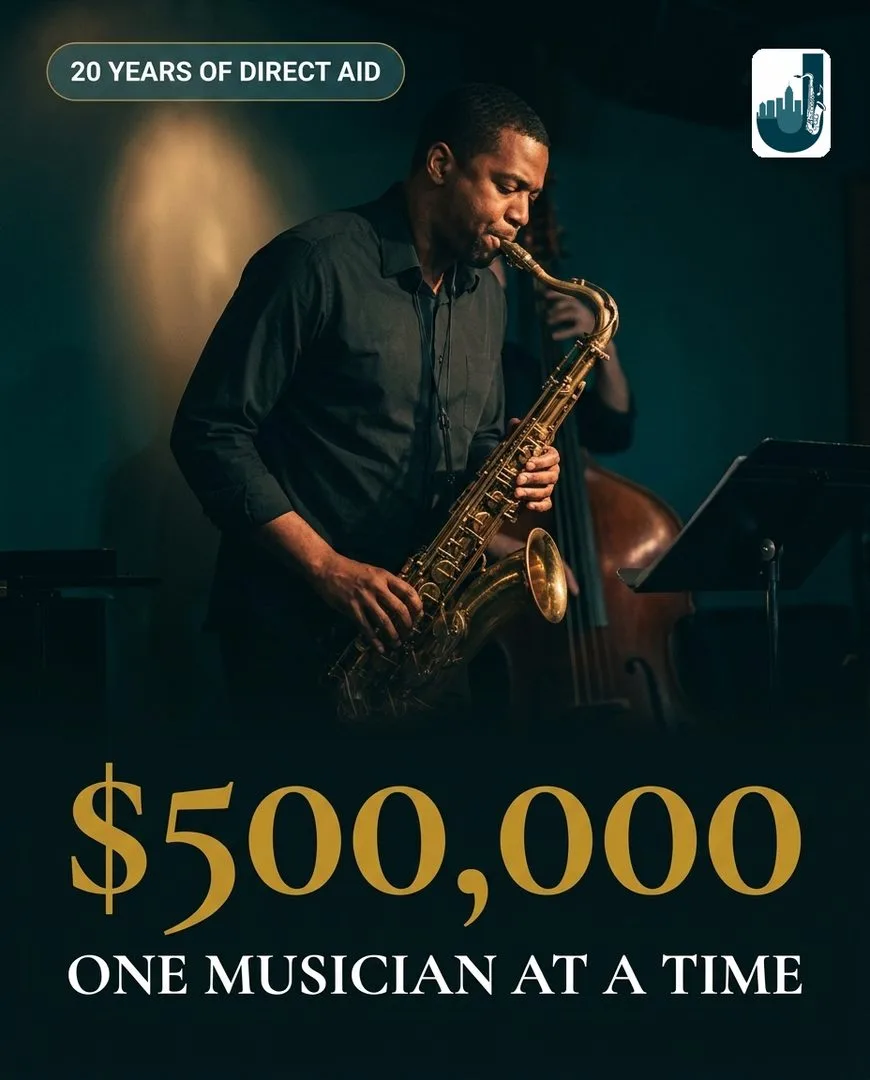
A sample across the brand accounts it runs, picked to show the range. Each one followed that brand’s own rules.
The same kind of system, making video: each of these is one montage of a whole run.
AI social media automation, the way I build it, hands the production work for your accounts to a team of AI agents. They find ideas, write captions that suit each platform, design the graphic, review the result and schedule it, and nothing goes live until a person on your side says yes. It suits anyone who posts in several places and is tired of turning one photo into four captions by hand.
The best fit is someone with a lot to post, across more than one account or platform, who is too busy to produce all of it and too careful to hand it over unseen. These are examples of fit rather than a client list.
If you already have someone running social media, the system takes the repeat production off them: the same idea rewritten for each platform, the resizing, the scheduling. They keep the judgement and the conversations with your followers. I do not take on projects whose goal is cutting a team.
Every post goes through the same path, whichever account it is for.
The research agent studies what earns a response from people in your category: which topics and formats work on comparable accounts. It also reads your own past posts, so it does not pitch what you said last month. A news item is used once. An evergreen topic can come back, but only from a new angle.
Each idea arrives with the facts behind it and a source for each fact, so the later steps have something to check.
The same caption on every platform usually fits at least one of them badly. So the caption agent writes each platform its own caption, in your voice: a longer, factual post for LinkedIn, an opening line for Instagram that works before the caption is cut off with “more”, a short post for X, and for Pinterest a description that links back to your page.
Before it writes a word, it reads that account’s voice guide and lessons file, both explained below.
The design agent makes your AI social media graphics from your colours, fonts, logo rules and the style of photo you like, so they look like your brand and not like a stock template. When a graphic has to show a real person or something that happened, such as an event or an opening, it starts from a real photograph, because a generated picture of an event shows something that did not happen.
For an idea with no photo behind it, the agent designs the graphic from a written brief and a reference, then checks it against a list of the clichés that make AI images look generic. Anything showing an AI-generated person is labelled as AI. The method is described on the AI graphic design and branding page.
Before an AI reads the post, ordinary code checks the parts that have a right answer: whether each caption fits its platform’s length limit, whether the image is in a format the platform accepts, and whether every platform you use has a caption. Code returns the same result on every run.
Then a reviewer agent reads the finished post. The agent that wrote it never marks it, and the reviewer starts with no memory of how it was made, only the brief, the post and your rules. It holds a post back for things that would embarrass you, like a misspelt name or a date that does not match the brief, and passes questions of taste to you as notes. A held post gets a repair attempt, and if that does not fix the problem, a person takes over.
The post lands in your inbox, or in a simple web dashboard if you prefer to work there. You approve it, edit it or reject it. Social media scheduling with approval means nothing is queued before your yes, and if you do not answer, the post waits.
Once a post is approved, the scheduling agent prepares it for each platform you use and puts it on your calendar. It picks times when your audience is usually online and keeps two posts from the same account from landing on top of each other. An event post goes out shortly before the event, early enough for people to plan to come.
After posts go out, an analytics step collects the numbers and sorts out what earned a response: which topics, caption styles and layouts. What it learns goes into the guides, and the caption and design agents read them before the next batch. That step has read-only access to your accounts, so it can look at the numbers but cannot publish, reschedule or change a post.
A small account has noisy numbers, so one month of results points in a direction and proves little.
I schedule to Facebook, Instagram, TikTok, LinkedIn, Pinterest, Threads, Bluesky and X, and you pick the ones your business uses. Each graphic is cut to the size and file type that platform accepts. Automated social media posting works the same way on all of them: the post waits for your yes first.
These are the formats it handles.
Video is its own craft. The cutting, captions and sound belong to my AI video editing service, and the finished videos are scheduled alongside the rest of your posts. The video at volume case study shows a production system we built at Appynox that made short videos for our own apps, with automatic checks on every finished video before a person reviewed it.
Those steps run on a multi-agent AI system. One agent, the orchestrator, runs the job: it decides which pieces of work are needed and which specialist takes each piece, and it writes and designs nothing itself. The specialists run on Claude, with separate instructions and separate tools for each, and none of them sees more of the job than it needs.
A single agent doing everything would carry pages of instructions, and the longer they run, the more likely some are missed. Splitting the jobs keeps each set short, and a mistake in a post points straight to the agent responsible. The system I run has 13 of them, and I use the same design on my own work, with designer, video editor, web engineer and maintainer agents that follow my written rules.
Most AI content creation for social media starts with one tool and one prompt, and that can produce a caption. Keeping 10 accounts sounding like 10 different people, checking the result independently and remembering last month’s corrections takes more parts than that. In its first five weeks, my system produced 160+ posts for the 10 accounts, each one scheduled only after a person approved it.
The AI social media system case study shows some of what it designed, and how my AI system runs social media for 10 brand accounts tells how it was built and why a person approves every post.
Before the first post, your voice goes into written guides. I write the first version from your website, your past posts and a call, and I mark anything I have to guess, so you can confirm or correct it.
The guides cover:
Every agent reads the guide for the right account before it starts a job. That is how the same idea comes out differently for a clinic and a skate shop: their guides say different things. Without a guide, AI caption writing falls back on the way most of the internet writes, and readers have learned to spot that.
You will probably write more notes early on than later, because many of them turn into rules the system keeps.
When you approve a post that needed changes, the system compares the first draft with the approved version, reads your notes and asks what the correction teaches. The answer goes into a lessons file for that account as a short rule, dated, with one example. The agents that write and design for that account open the file before every job.
An entry might say: do not open a caption with a greeting, because “Good morning, friends!” was cut and the news now comes first. Some rules cover the whole feed, such as a limit on how many of the recent posts can be plain text on a coloured background.
Another agent, the maintainer, looks after the instruction files. If a post went wrong because an instruction was unclear or missing, it traces the problem to that file and suggests a narrow edit, which fixes every future post at once. The lessons file is plain text and it is yours to read. If a rule looks wrong to you, say so and it comes out.
You review each post first, in whichever form suits you.
Plan for some reading time each week. The system does the drafting, and you still read every post. If your goal is posts that go out with nobody looking, I am not the right person.
You keep the logins to your accounts and to your scheduling tool. I get access to the tools you own and pay for, the system logs everything it does where you can read it, and one click on your side ends my access.
These stay with you:
If we stop working together, you get a handover: the documentation, the access details and a short written walkthrough of how each part works, so someone else could maintain it.
These limits are on purpose.
I do not list a price for this social media automation service, because the cost follows a few things that differ for every business. After the first call you receive a written plan with a quote before any work starts. These are the things that move it.
If your business is in Nepal, quotes come in NPR, and the AI automation in Nepal page has the details.
I suggest starting with one account, even if you run several. It lets you judge the posts against something real before you commit more, and the setup, the approvals and the checks carry over to the next account, which then mostly needs its own voice and look.
I should say plainly that the system has so far run for the entrepreneur I mentioned earlier, with 10 accounts. I would rather show you how it behaves on one of yours than promise it will behave the same. If you are not sure social media is the right first thing to automate, the free automation map on the AI automation page ranks your repeating tasks by how many hours each one takes, and what to automate first in a small business explains how to choose.
To begin, book a 30-minute call. The first things I ask are which accounts and platforms you run and how often you post, and I say whether this fits, including when it does not. If it does, you receive a written plan with a quote. I work from Kathmandu, mostly with US clients, and the booking page shows my free times in your time zone.
Your voice, colours, rules and the mistakes to avoid, written down once so every post follows them.
Research, caption, graphic and an independent review: a finished post waits for you.
Approve, edit or reject each post. Nothing goes out without your yes.
Scheduled at good times, then the results feed into next month’s posts.
They follow your own voice rules, and a review step checks each one before you see it. You still approve every post.
No. Every post waits for a person to say yes. An automation you cannot stop is a liability.
Facebook, Instagram, LinkedIn, TikTok, X, Threads, Pinterest and Bluesky, each with its own caption.
Real photos when a post is about a real person, place or event, and designed graphics for ideas. Generated images are art-directed and checked, never used raw.
The system runs 10 brand accounts today. I start a new client on one account and add more once that account’s rules are written down.
No. Posts reach you for approval by email or in a simple dashboard, and go out through standard scheduling tools.
In Nepal?
Quotes in NPR, and calls or messages on WhatsApp and Viber.
AI social media automation in NepalBigger build?
Appynox, the AI-first agency I co-founded, takes on full projects with a team of three.
Visit appynox.comBook a 30-minute call. I ask about the work, tell you honestly what is worth automating or building, and send a written plan and a quote.
Referred by someone? Mention them when you book.